Departments, locations, and teams each have a group quietly doing the work behind them. Until now there was no way to tell which group, or how many people it had actually matched, without going and looking.
Both are on the row now. The icon next to a name means that entry has a group linked to it, and the number beside it is how many people currently match.
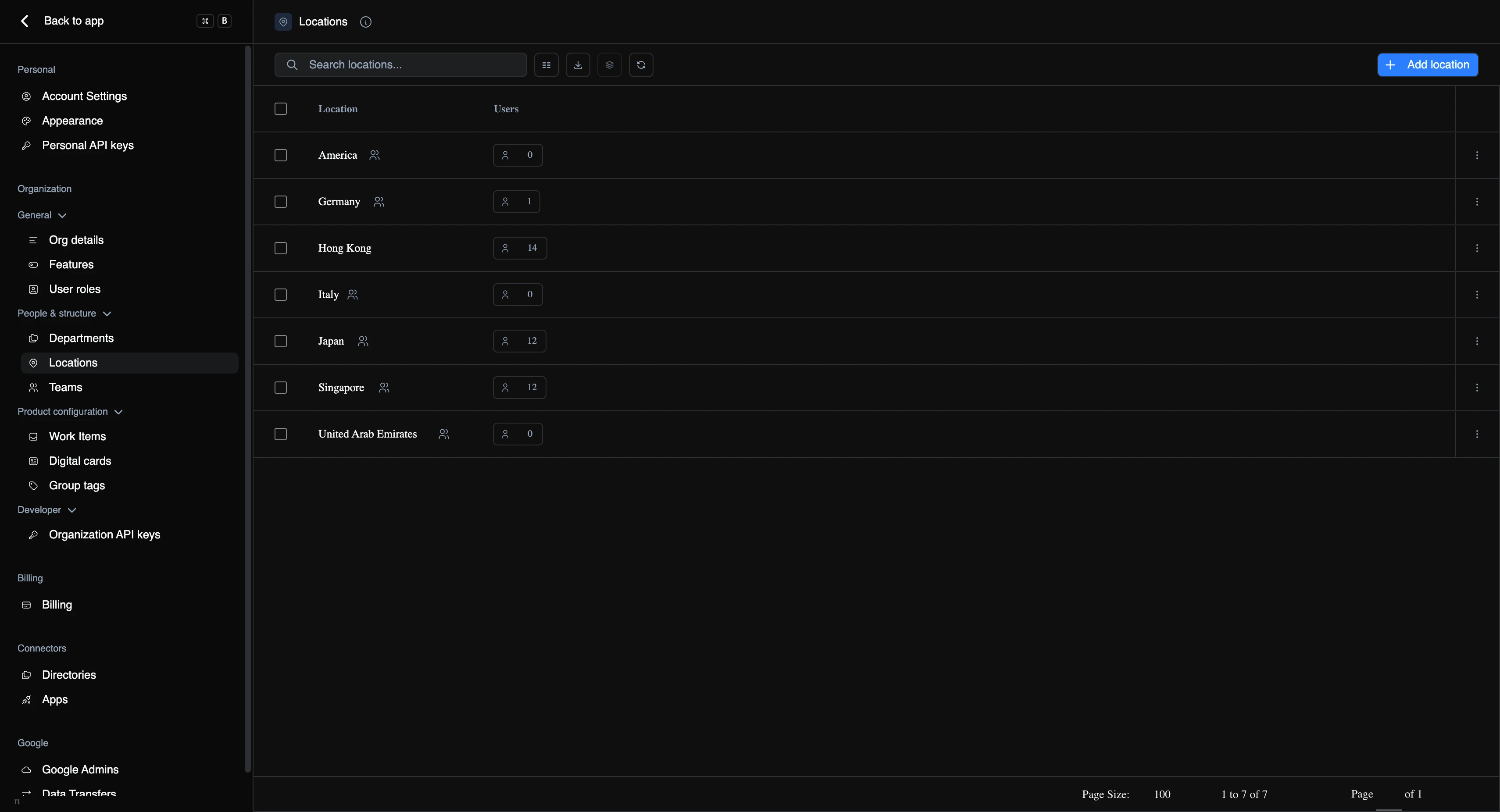
- Spot the gaps at a glance. A location with 14 people and no icon is one that never got its group created. A team with a group and a count of zero means the rule isn’t matching anyone.
- Deleting is no longer a guessing game. Delete a department, location, or team and we tell you which group is attached and offer to remove it at the same time. Delete the group first and the same choice runs the other way.
- Renaming keeps everything in step, including the group’s email address.
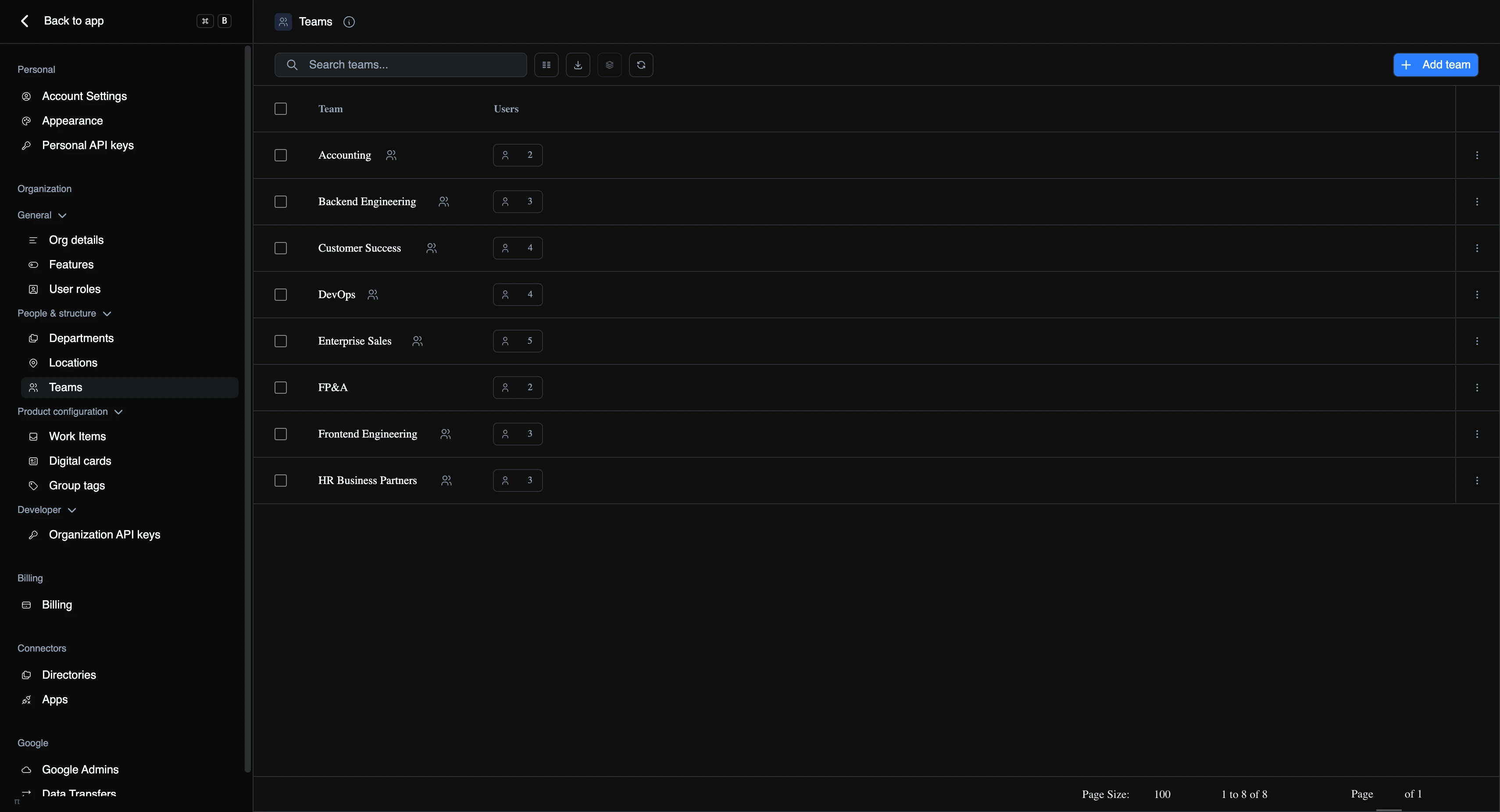
Same behaviour across all three.