Retiring a batch of JumpCloud devices used to mean the same unmanage flow, over and over, once per device. Now you select them all and do it once.
Device Inventory has multi-select — pick individual devices, or select everything matching your current filters — and a single bulk Unmanage action for the whole selection. Because this isn’t something you want to trigger by accident, it asks you to type “unmanage” to confirm and shows you exactly how many devices you’re about to act on.
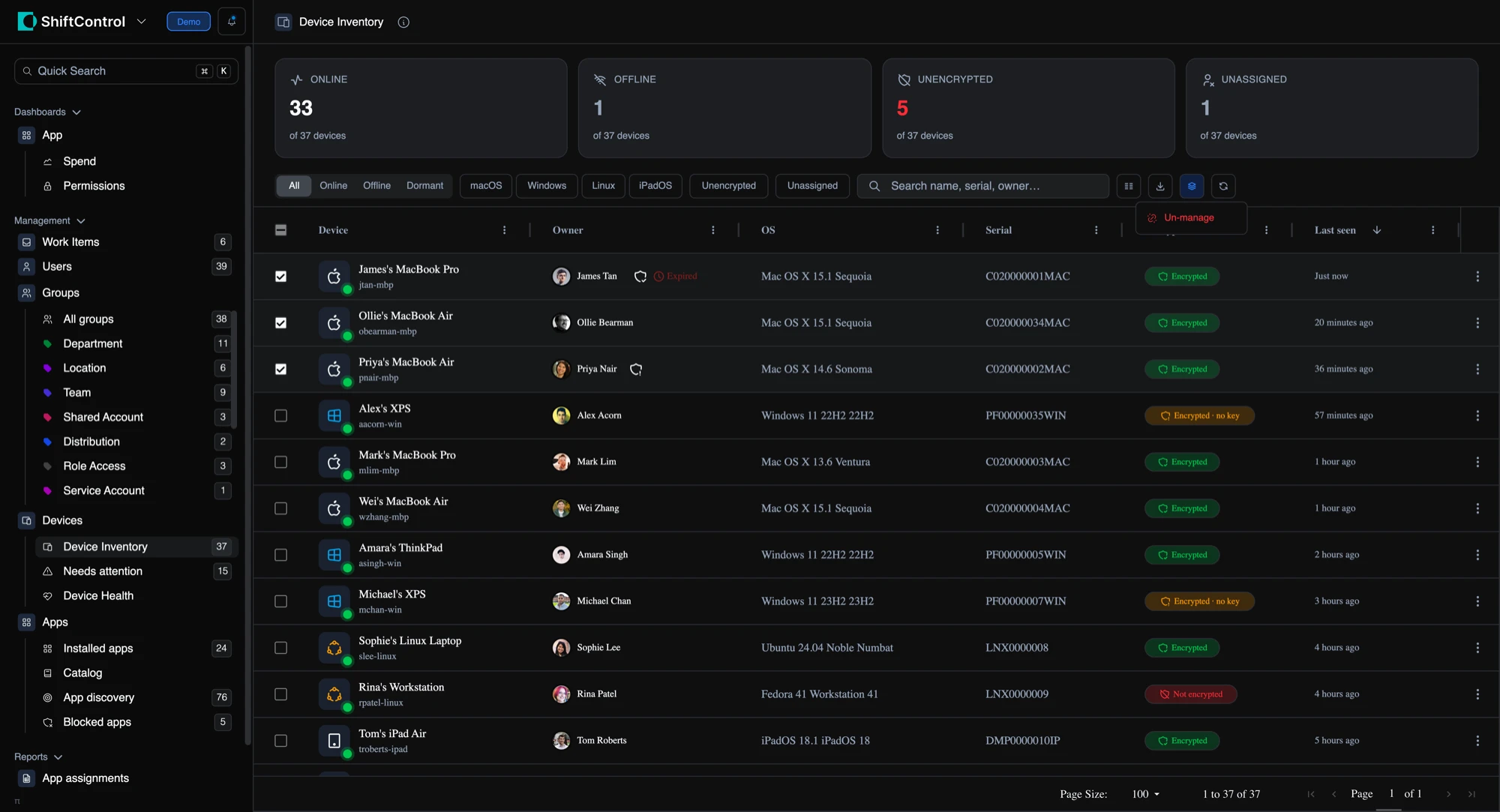
The part we cared most about: a batch operation that fails quietly is worse than no batch at all. When the run finishes you get a per-device result list by name, showing which devices came out of management, which didn’t, and why. No re-checking the grid row by row to find the one that didn’t take.
- Select individual devices, or select every device matching your current filters
- One bulk Unmanage action with a type-to-confirm step
- Per-device results by name, so a single failure never hides inside a success message
- Uses the same permission as single-device unmanage, so there’s nothing new to grant
Other device actions aren’t available in bulk yet, and that’s deliberate. Unmanage is the one genuinely worth doing to a whole selection; lock, restart, and wipe carry too much consequence to hand to a single click. If you want more of them, tell us.