Your HR system says Kenji’s last day in Tokyo is Friday. Run that on one clock for the whole company, and in Tokyo “Friday” can start on Thursday evening or spill into Saturday. Now every location can have its own timezone, and offboarding from your HR system follows the clock where the person actually works.
When a termination date arrives from your HR system, ShiftControl schedules the account deactivation in that person’s own timezone. If their profile doesn’t have one, it uses the timezone of their location, then your organization’s timezone. A distributed team gets offboarded on the right day in every office, without anyone doing timezone maths.
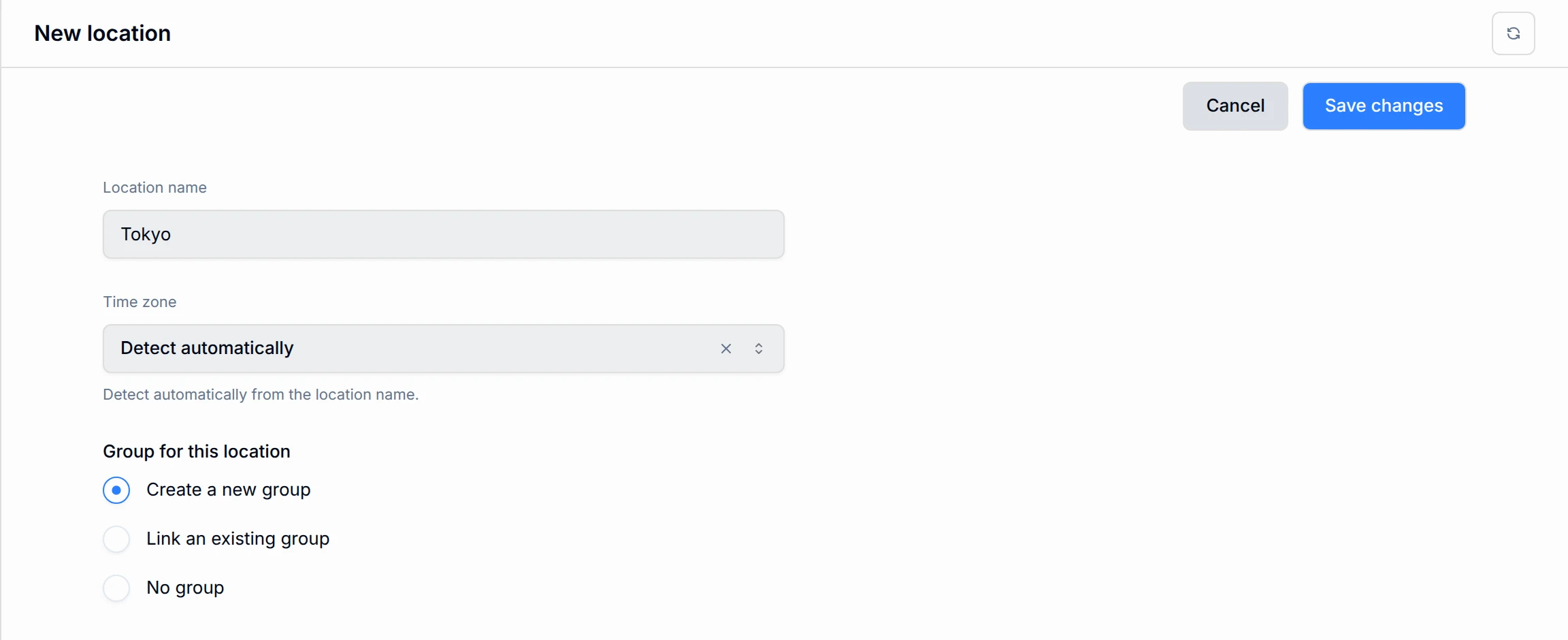
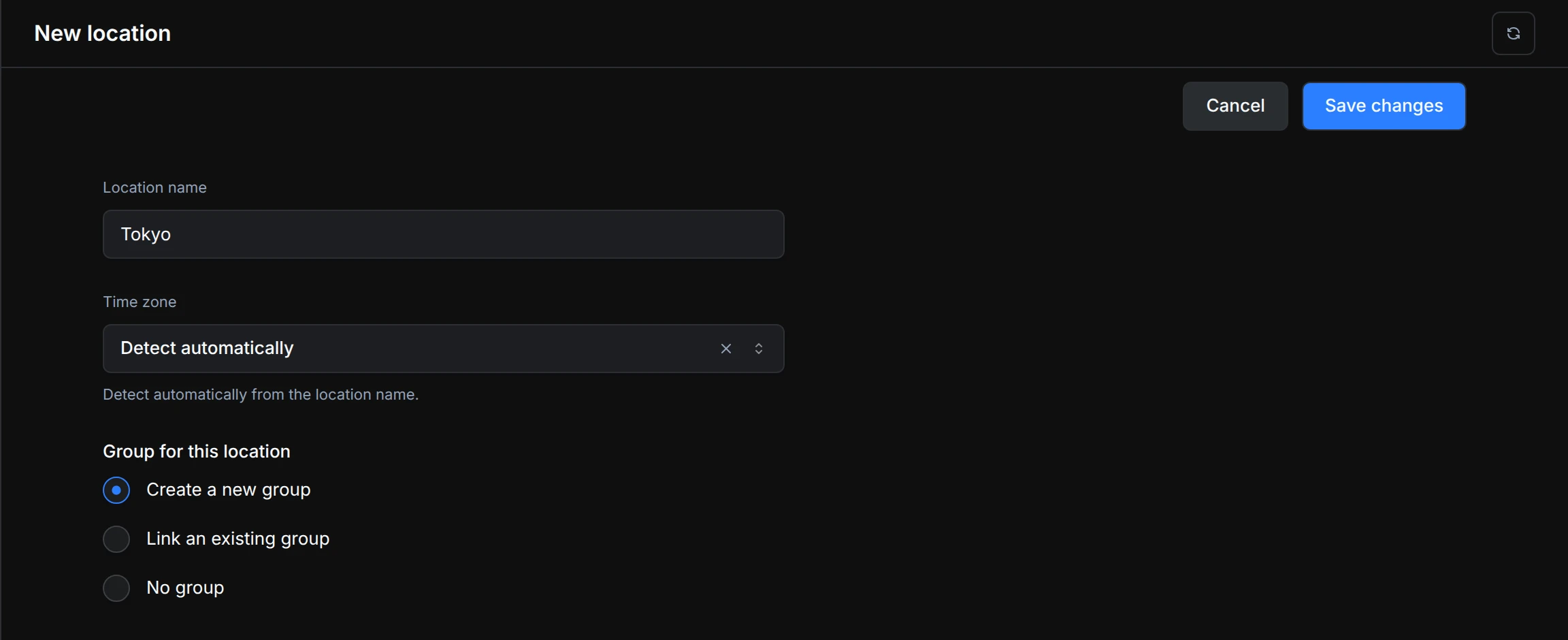
Setting it up takes a few seconds per office. When you add a location, ShiftControl can detect the timezone from the location name, or you can pick one yourself. Existing locations use your organization’s timezone until you choose a different one, and the Locations page now has a Timezone column so you can check every office at a glance. If your HR system already sends a timezone, ShiftControl picks it up for you.
Termination dates are also kept in step: if the date changes in your HR system, the scheduled deactivation is updated to match. Scheduled deactivations now show that they came from your HR system. If you cancel one by hand, ShiftControl tells you it won’t schedule it again unless the termination date changes.