Some apps genuinely cost nothing. Until now, ShiftControl had no way to say so: a free app either showed $0.00 or no cost at all, and nobody could tell whether it was really free or just missing its price. Now you can mark an app’s subscription as free of charge, and ShiftControl shows it as Free.
How It Works
- One switch. Turn on Free of charge in the app’s subscription settings. The price fields step aside while it’s on, so a free app can’t carry a cost by accident.
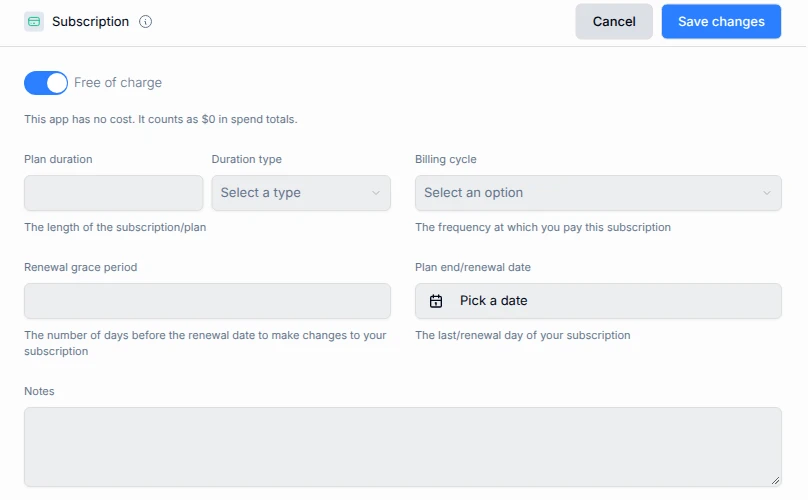
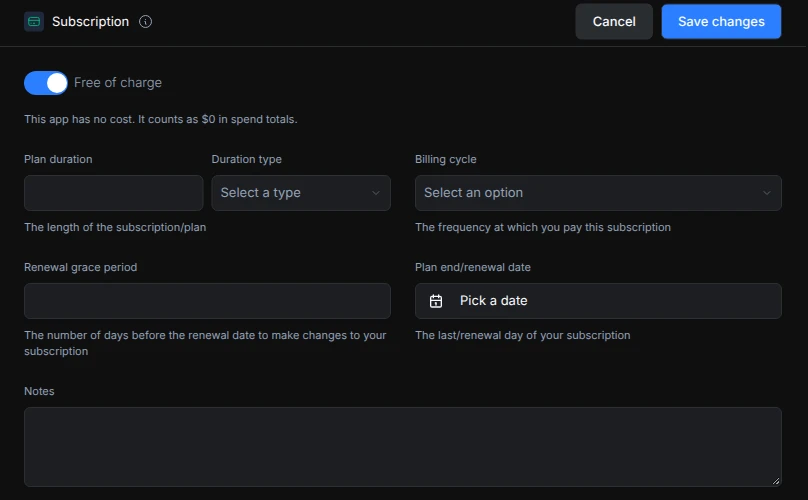
- Free, not blank. In your apps list, free apps show Free instead of $0.00. Apps with no price yet still look different, so you can spot the ones that need filling in.
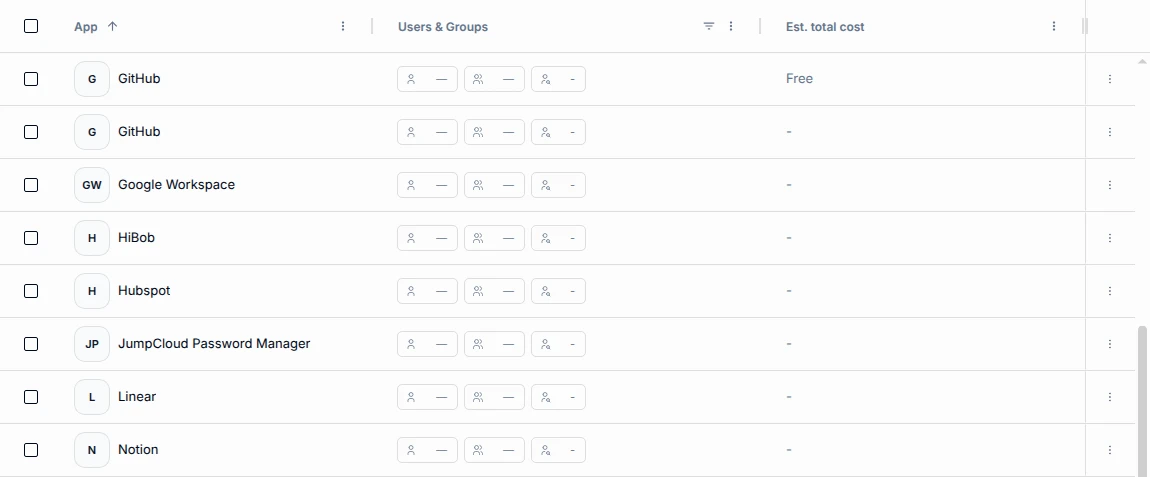
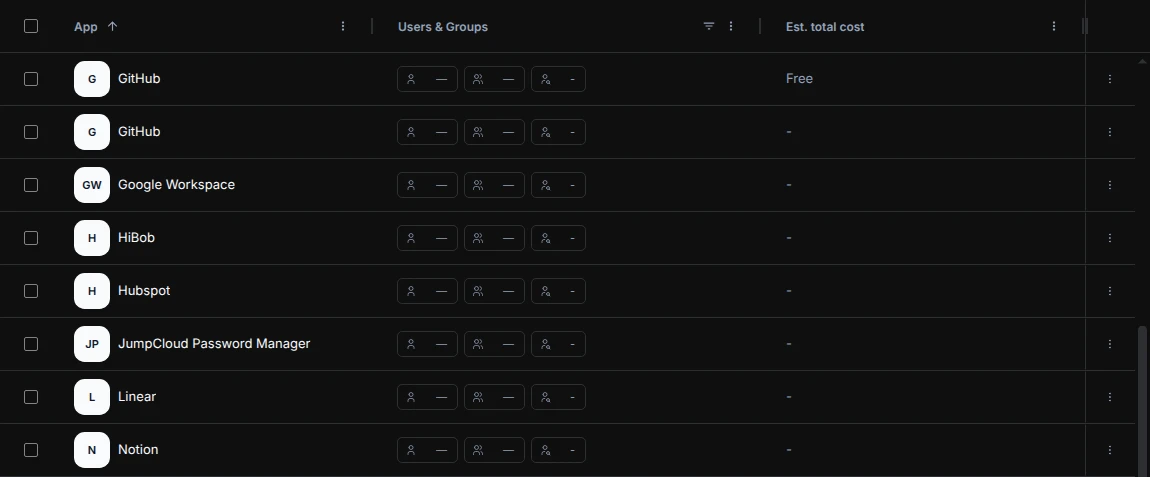
- Filter for it. A new Free of charge column lets you filter and sort the apps list by free and paid apps.
- Cleaner spend insights. Free apps no longer show up as missing cost information, and they’re left out of monthly-to-annual savings suggestions.
Getting Started
- Go to Apps and open the app you want to update.
- Edit its subscription and switch on Free of charge.
- Save. The app now shows Free in your apps list.