The employee Directory brings people, groups and app access into one place. Employees can find the right colleague or group, see what access is available, and send a request through the same approval process your team already uses.
How It Works
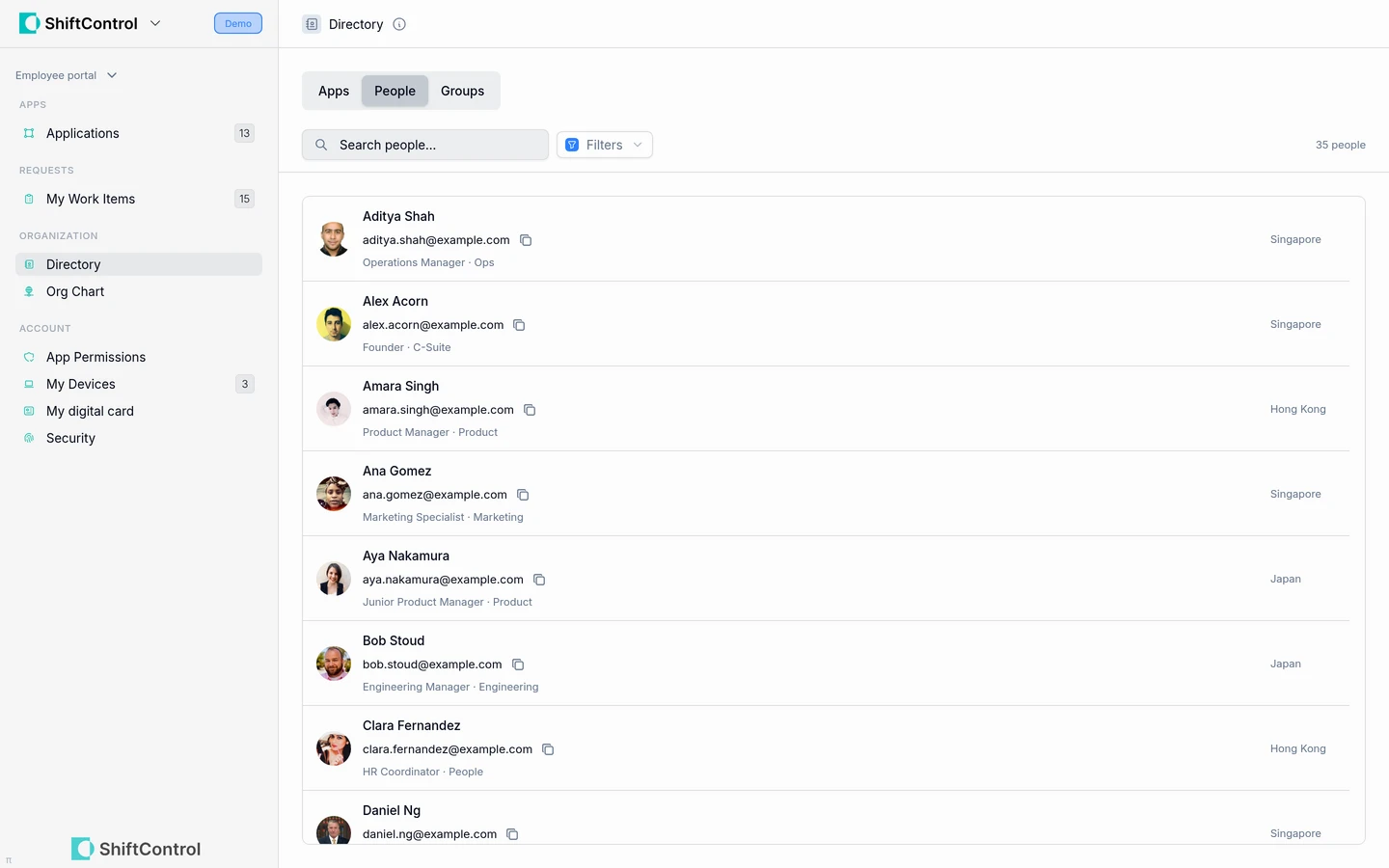
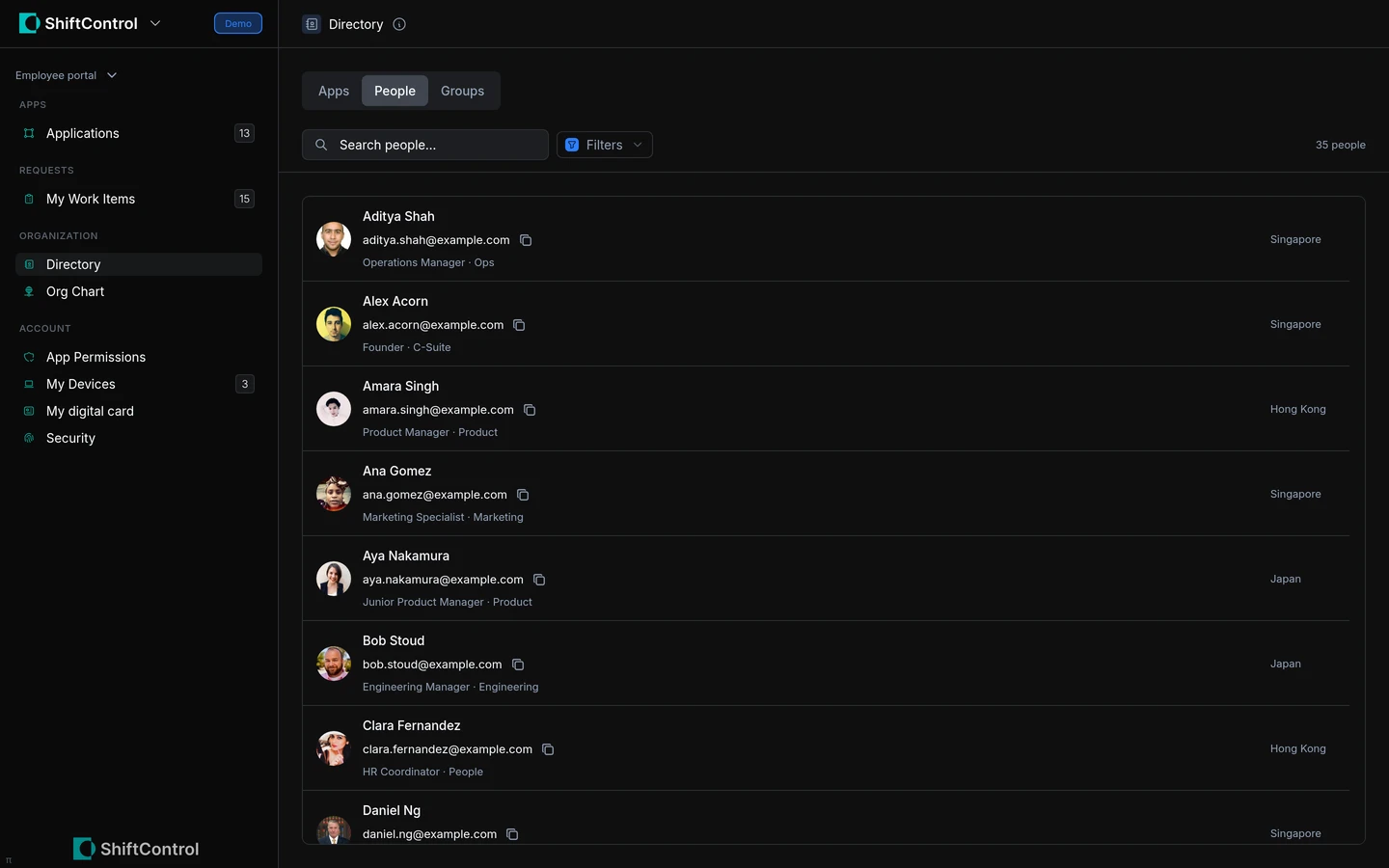
- People: Search for colleagues by name, email, job title, department, team, location or manager. Hidden, suspended and archived accounts do not appear in the employee directory. The primary directory controls visibility: Google-primary organizations respect Google’s global-directory setting, and JumpCloud-primary organizations can hide people from the directory too.
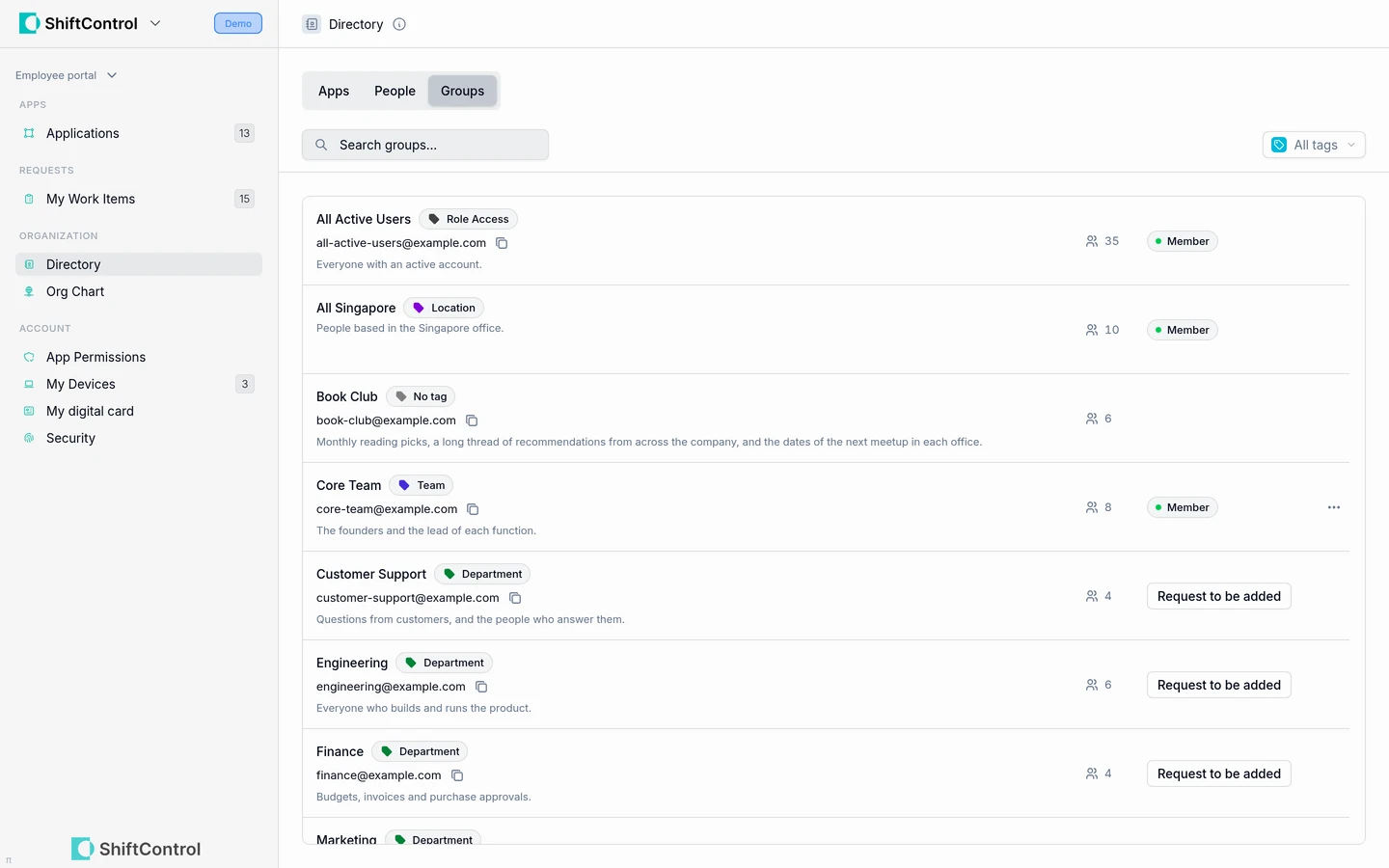
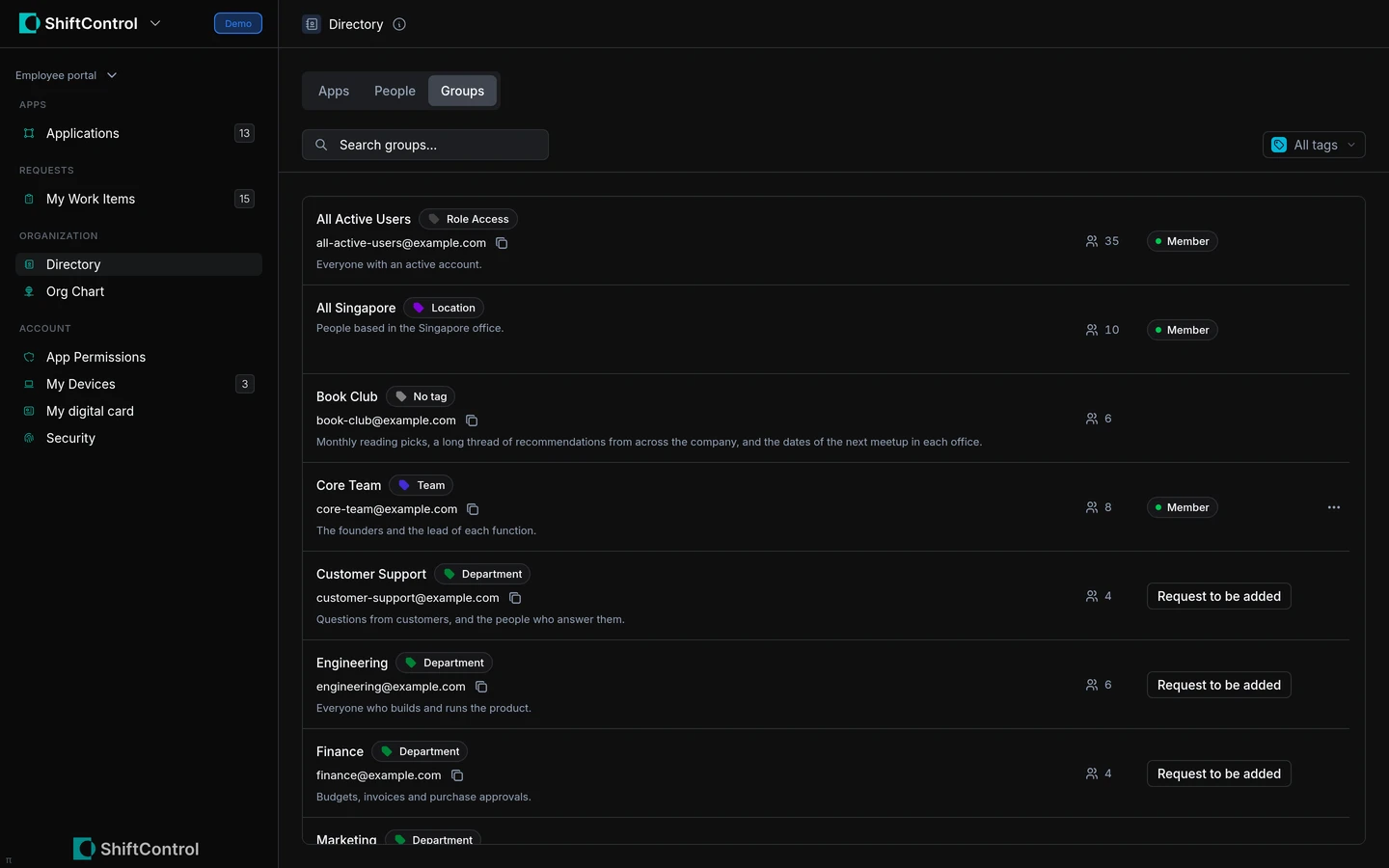
- Groups: Browse visible groups, filter by tags and see their members. When a group accepts requests, employees can ask to join or leave it and track the request while it waits for approval.
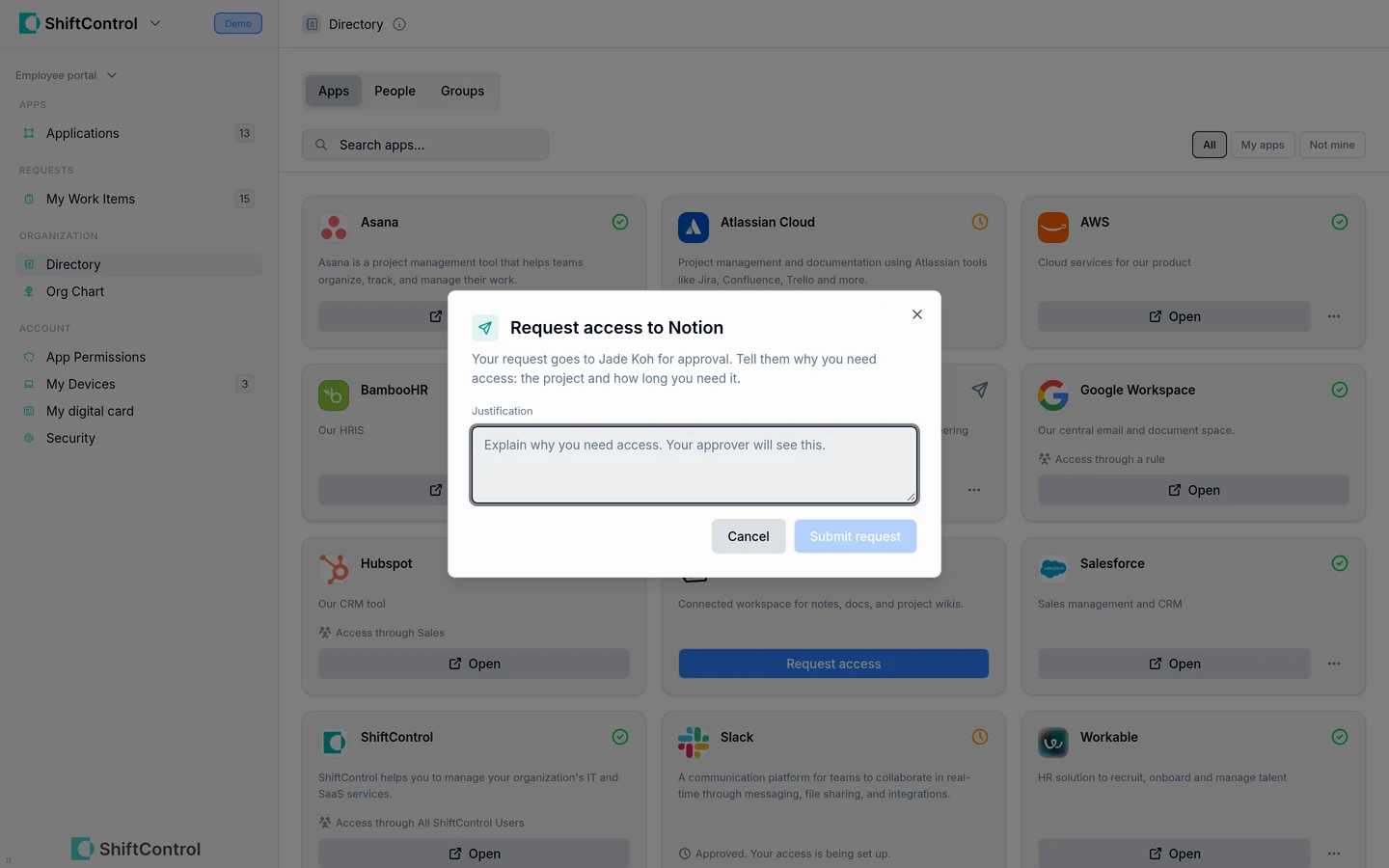
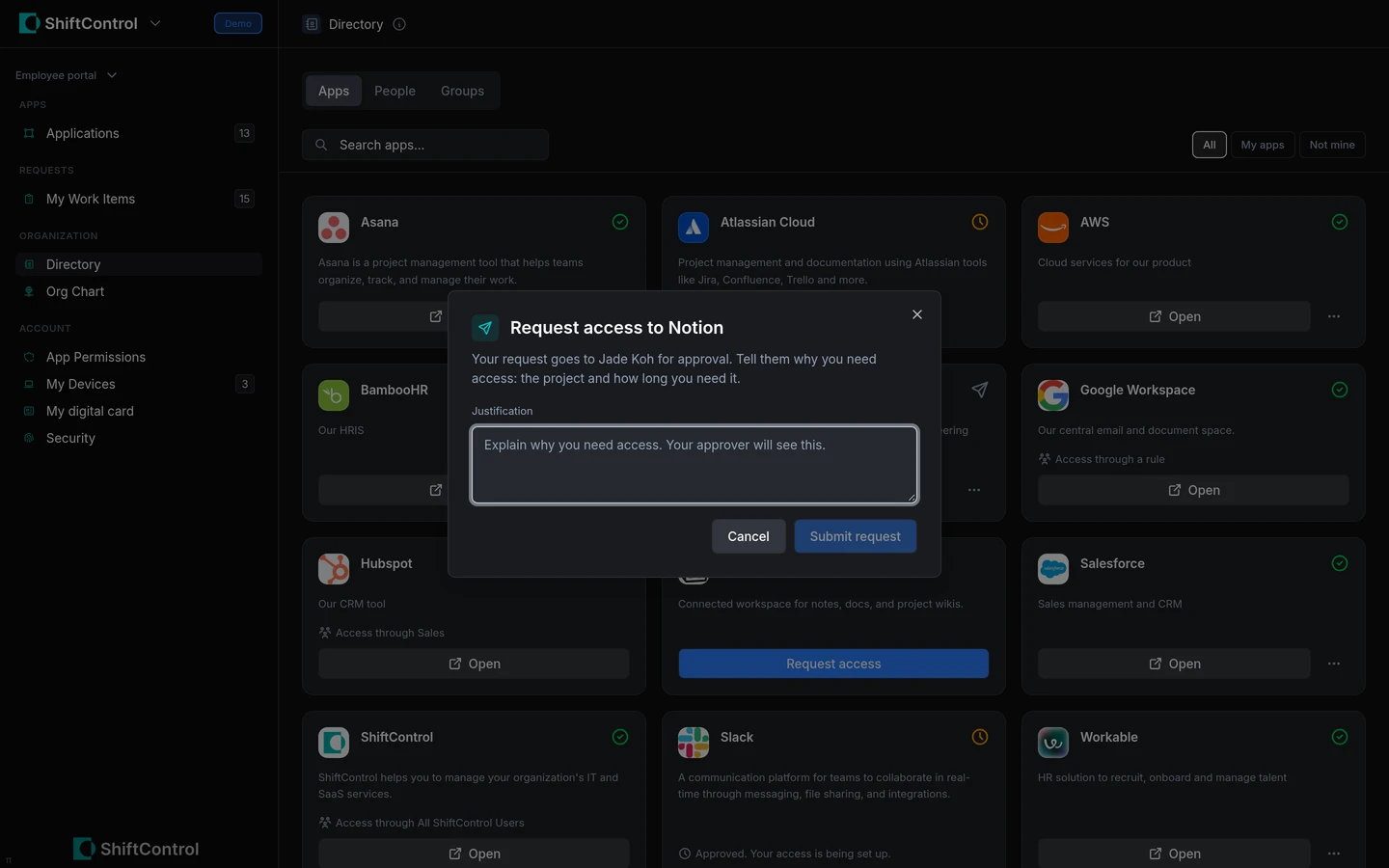
- Apps: Search and filter the organization’s app directory, check whether an app is already available to you, and request access. Employees can also request removal of access assigned directly to them; access inherited through a group is shown with its source instead.
- Know what happens next. App and group requests become Work Items, route to the right approver and appear in My Work Items. Employees can check whether a request is waiting, approved and being fulfilled, or complete, and cancel an open request when they change their mind.
Getting Started
Open Directory in the employee portal and choose People, Groups or Apps. To enable requests, an admin turns on Work Items and App Access Requests in Settings → Features; group requests also require Directory to be enabled. Employees can follow submitted requests from My Work Items.