Your Google Workspace connection no longer has to depend on one person’s login. Install the ShiftControl app from the Google Workspace Marketplace once, and the connection belongs to your whole organization. If the admin who first connected ShiftControl leaves or is suspended, everything keeps syncing.
How It Works
- New organizations can choose Install from Google Workspace Marketplace when they connect Google Workspace. Connecting with OAuth is still available
- ShiftControl connects as one of your Super Admins, and switches to another Super Admin on its own if that admin leaves
- Your users, groups, sync history, sync schedule and settings stay the same
Upgrade an Existing Connection
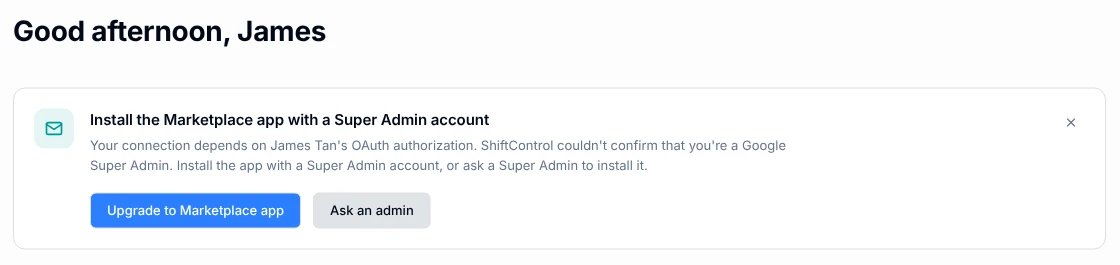
If your organization already connects through one admin’s OAuth sign-in, the Home page recommends the upgrade.
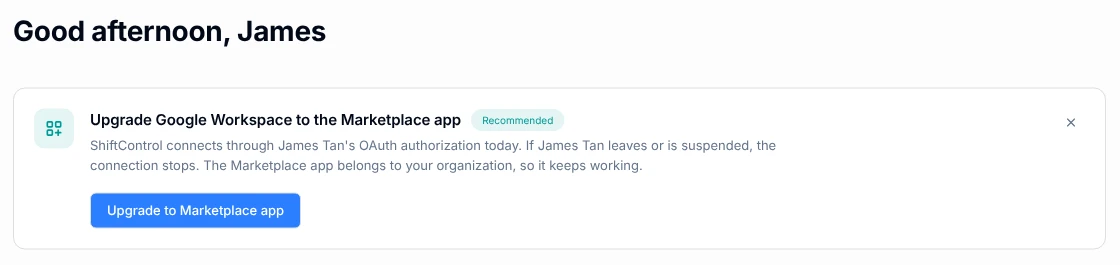
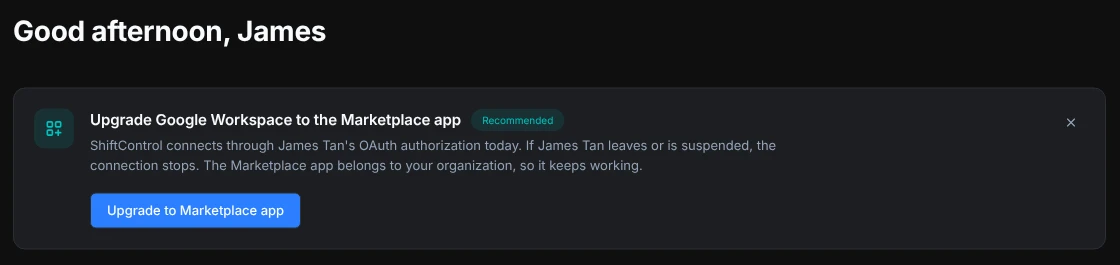
Before you install anything, ShiftControl shows what changes and what stays the same. Once Google confirms the install, ShiftControl switches the connection and stops using the old OAuth sign-in. It deletes that sign-in after the app has kept working for a day.
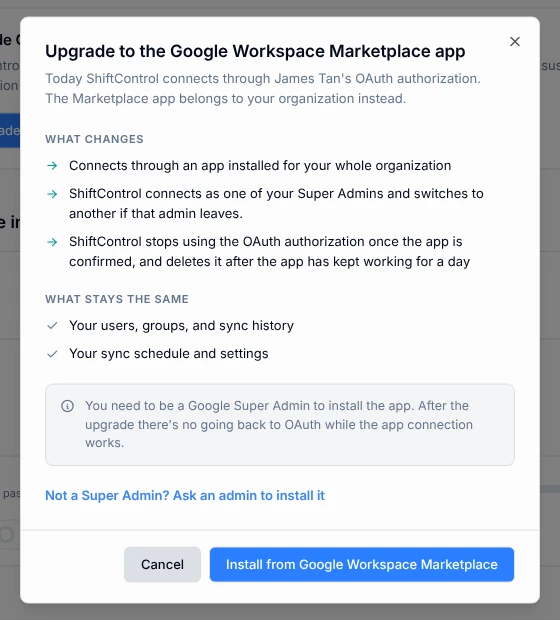
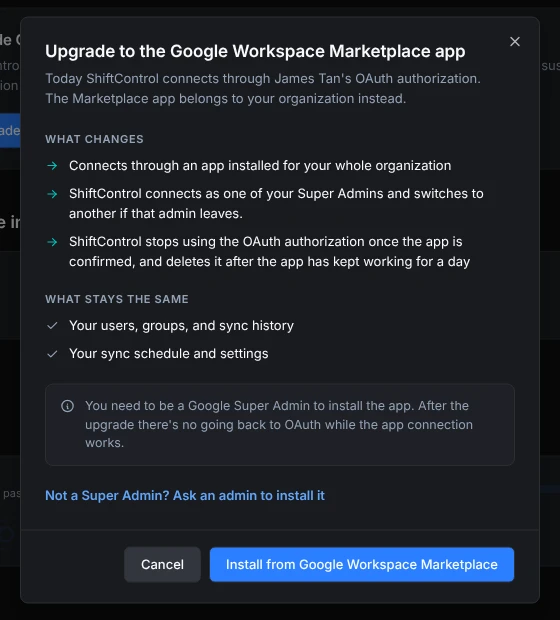
Installing the app takes a Google Super Admin account. If ShiftControl can’t confirm that you’re a Super Admin, you can still install the app yourself with a Super Admin account, or select Ask an admin to send the request to one. If you installed it with a different account, enter that Super Admin’s email and ShiftControl connects as them.
Getting Started
- Open the Home page, or go to Settings and select Directories
- Select Upgrade to Marketplace app
- Select Install from Google Workspace Marketplace, then install the app for everyone in your organization
- Come back to ShiftControl. It switches the connection on its own once Google confirms the install, which Google says can take up to 24 hours