In JumpCloud, a device can have several users who are allowed to sign in, not only its owner. Device details in ShiftControl now show all of them, so you can see at a glance who has access to a shared or multi-user machine.
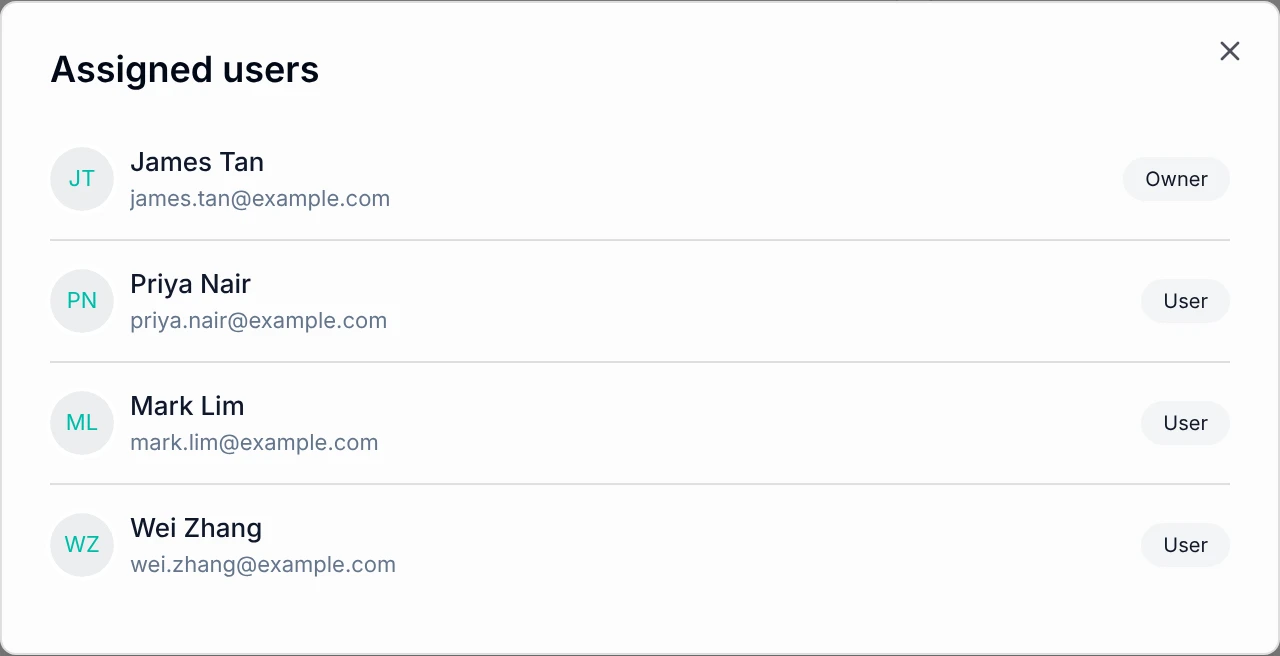
The Assigned to card shows the owner first, then the other users. Select View all to see everyone, each marked as Owner or User.
- Users who get access through a JumpCloud device group show which group gave them access
- Employees see the same list for their own devices in the employee portal
- If the other users cannot be loaded, the card tells you and lets you try again