We’ve added a delegated authorization flow for Google Workspace — so you no longer need to be a Google Admin yourself to get things connected.
Here’s the situation we’ve all been in: you’re setting up ShiftControl, you get to the “Connect Google Workspace” step, and you realize… you don’t have Google Workspace super admin access. That person is your CFO, or your CTO, or someone who has never logged into ShiftControl and probably never will. Until now, you’d need to walk them through logging in and navigating to the right screen. Not anymore.
Check out the quick walkthrough, and read below for details!
How It Works
From the Directories area, click Request authorization from another admin on any Google Workspace connector. A modal opens where you can:
- Send an email — enter the admin’s email address, preview the message, and send it directly from ShiftControl
- Copy a link — grab the authorization URL and share it however you prefer (Slack, text, carrier pigeon)
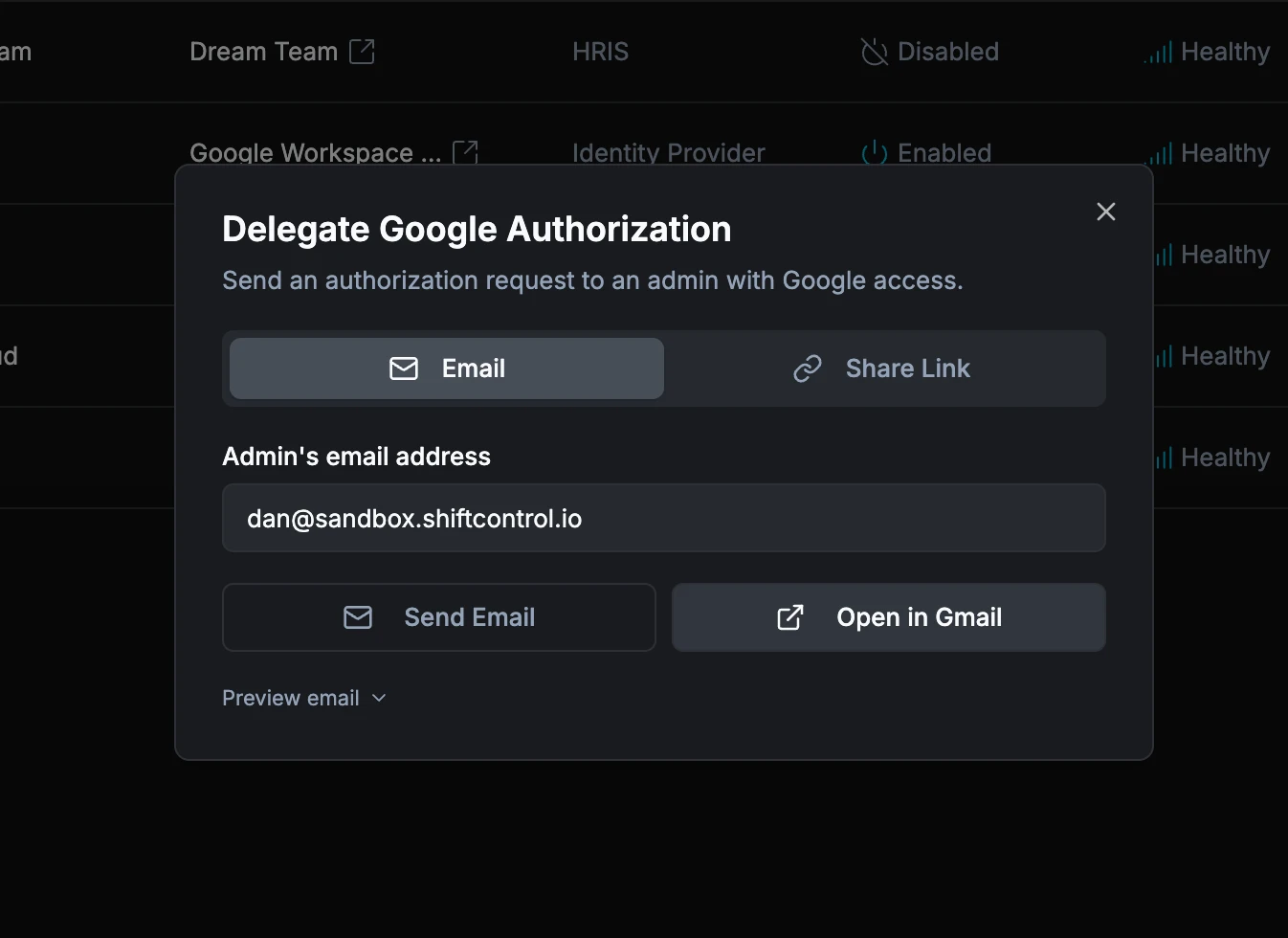
The person you send it to doesn’t need a ShiftControl account. They click the link, approve Google’s standard OAuth consent screen, and they’re done. The whole thing takes about 30 seconds on their end.
Once they authorize, ShiftControl saves the connection to your organization automatically. You’ll get an email confirming it’s complete, and the connector status updates to show it’s connected.
What Happens Behind the Scenes
- Authorization links are valid for 48 hours, so your admin doesn’t need to drop everything immediately
- You can send the link to multiple people — if you’re not sure who has Google Admin access, send it to a few candidates and whoever gets to it first can authorize
- If the link expires, the error page doesn’t reveal any organization or email details — we keep it privacy-safe
- If the delegate cancels partway through, the link still works — they can try again
Getting Started
- Navigate to Directories and find your Google Workspace connector
- Click Request authorization from another admin
- Enter the Google Admin’s email and hit Send (or copy the link)
- Wait for the confirmation email — then you’re all set!