 updates that drive your success!
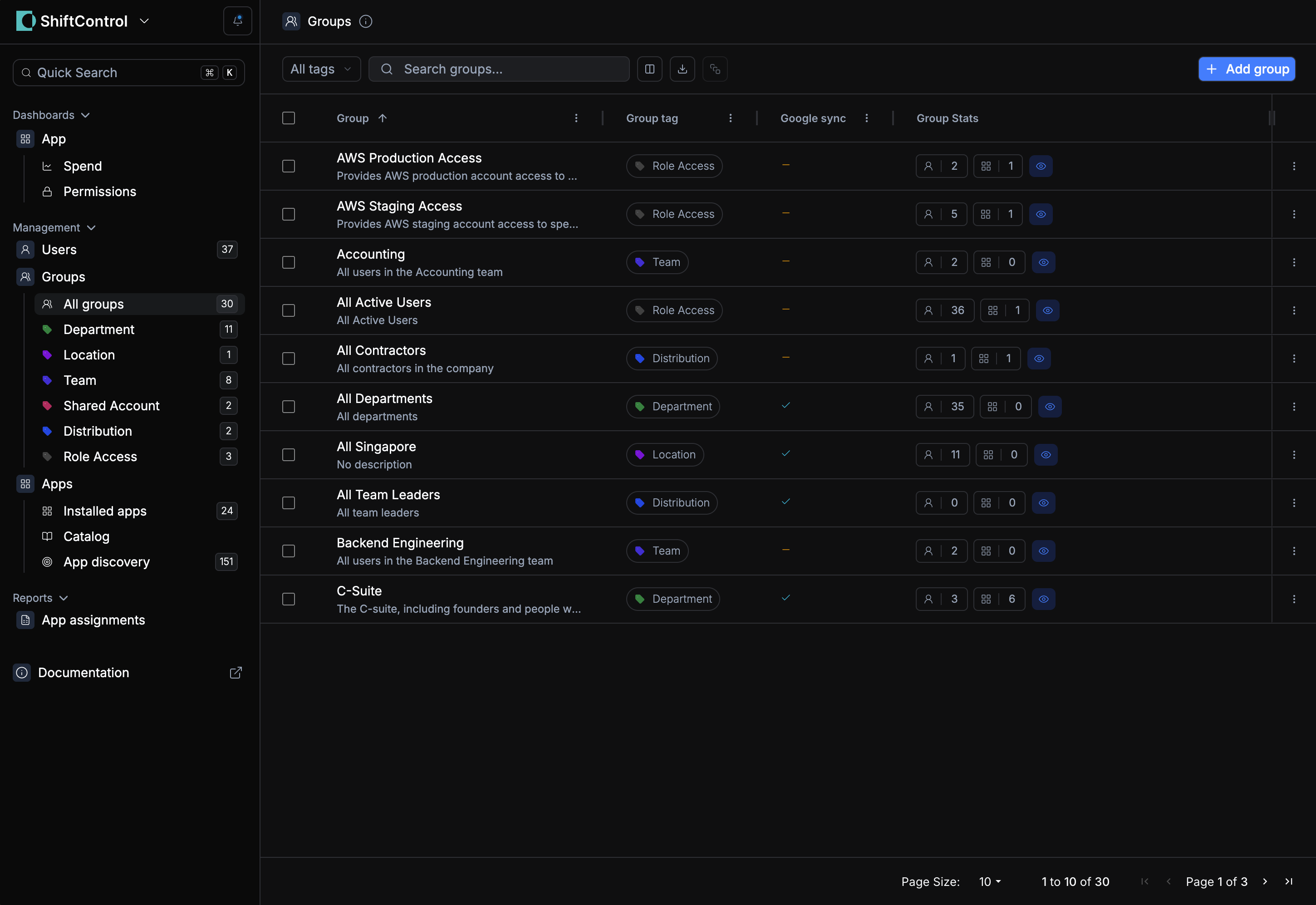
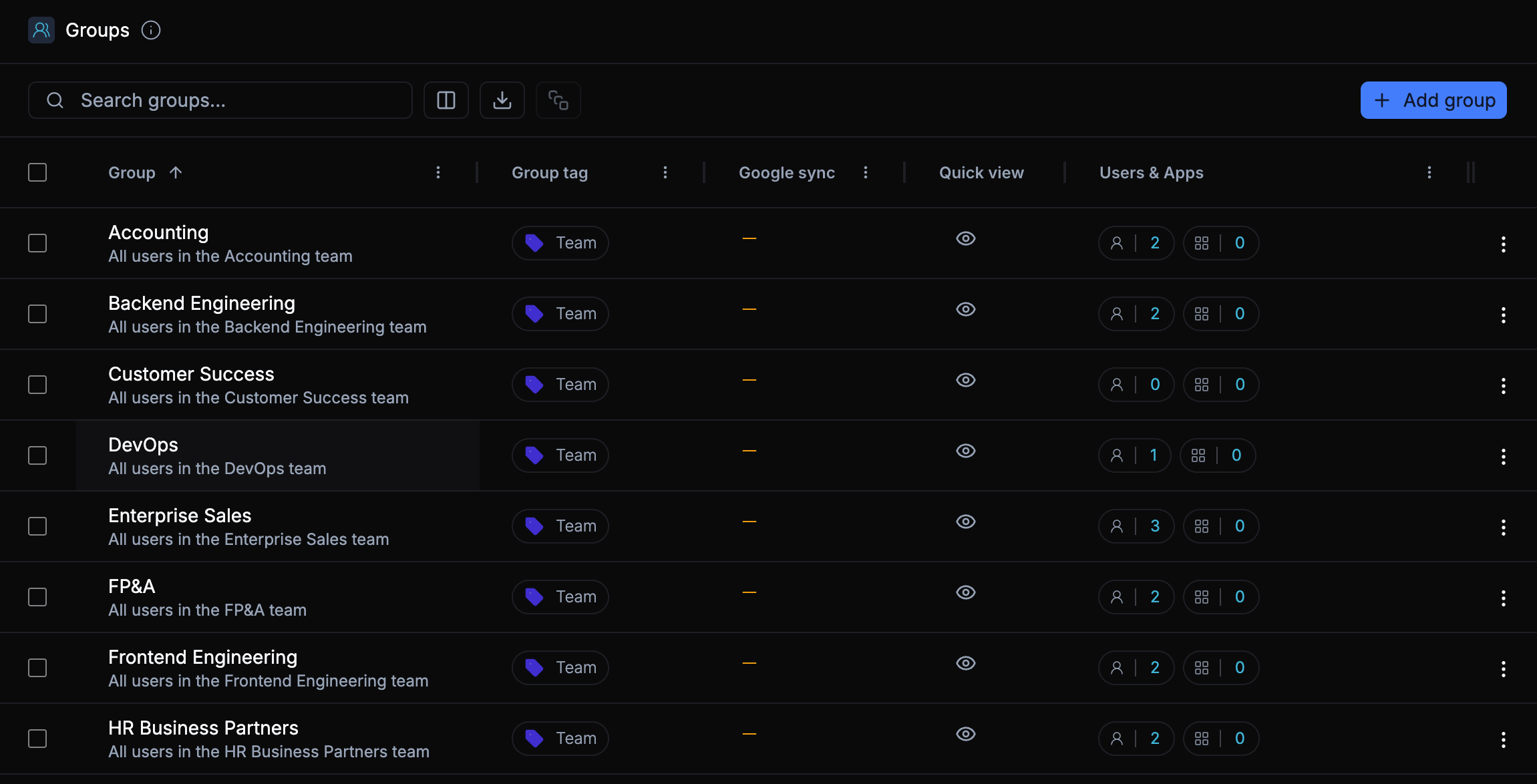
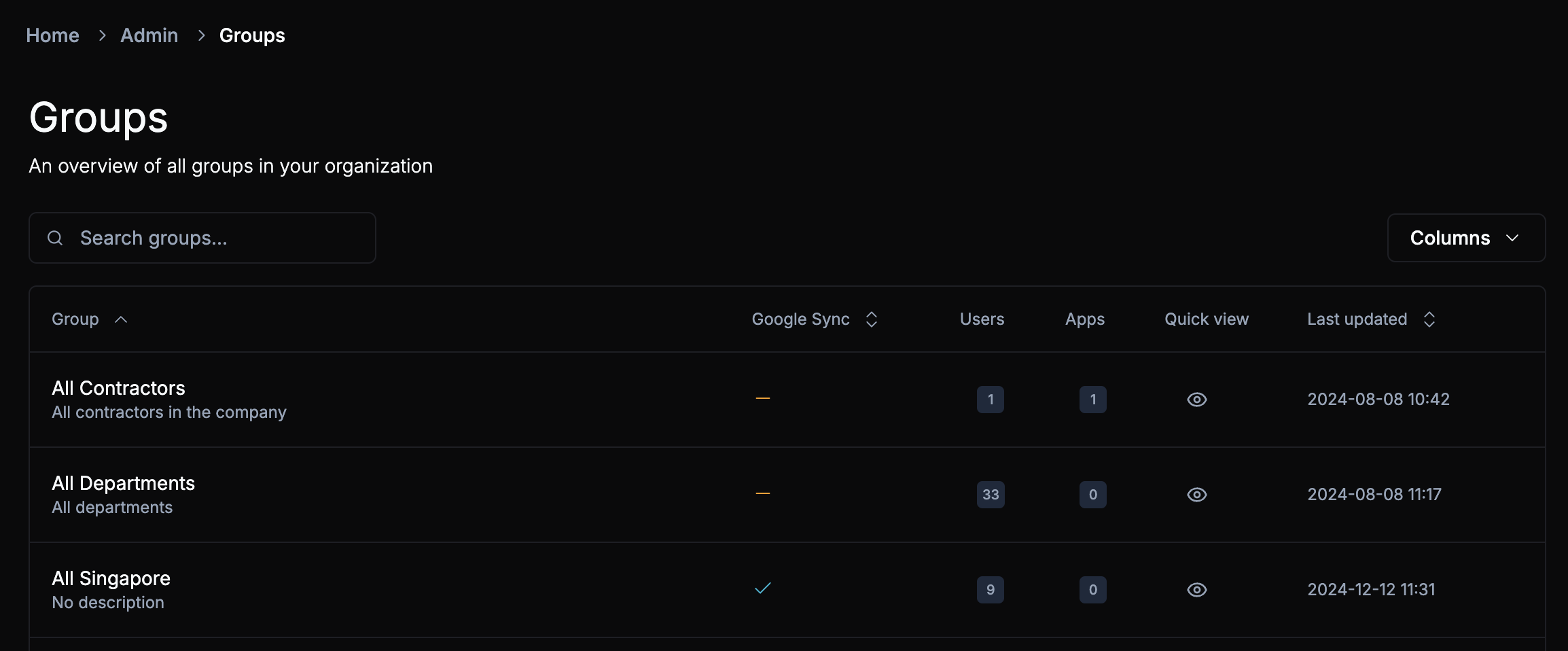
If you’re running Google Workspace without an identity provider, you’ve likely felt the pain of manual group membership management. While Google is great for many things, it lacks a native “set it and forget it” way to automate group memberships. Until now, that meant managing department or location-based groups by hand, a tedious process prone to human error.
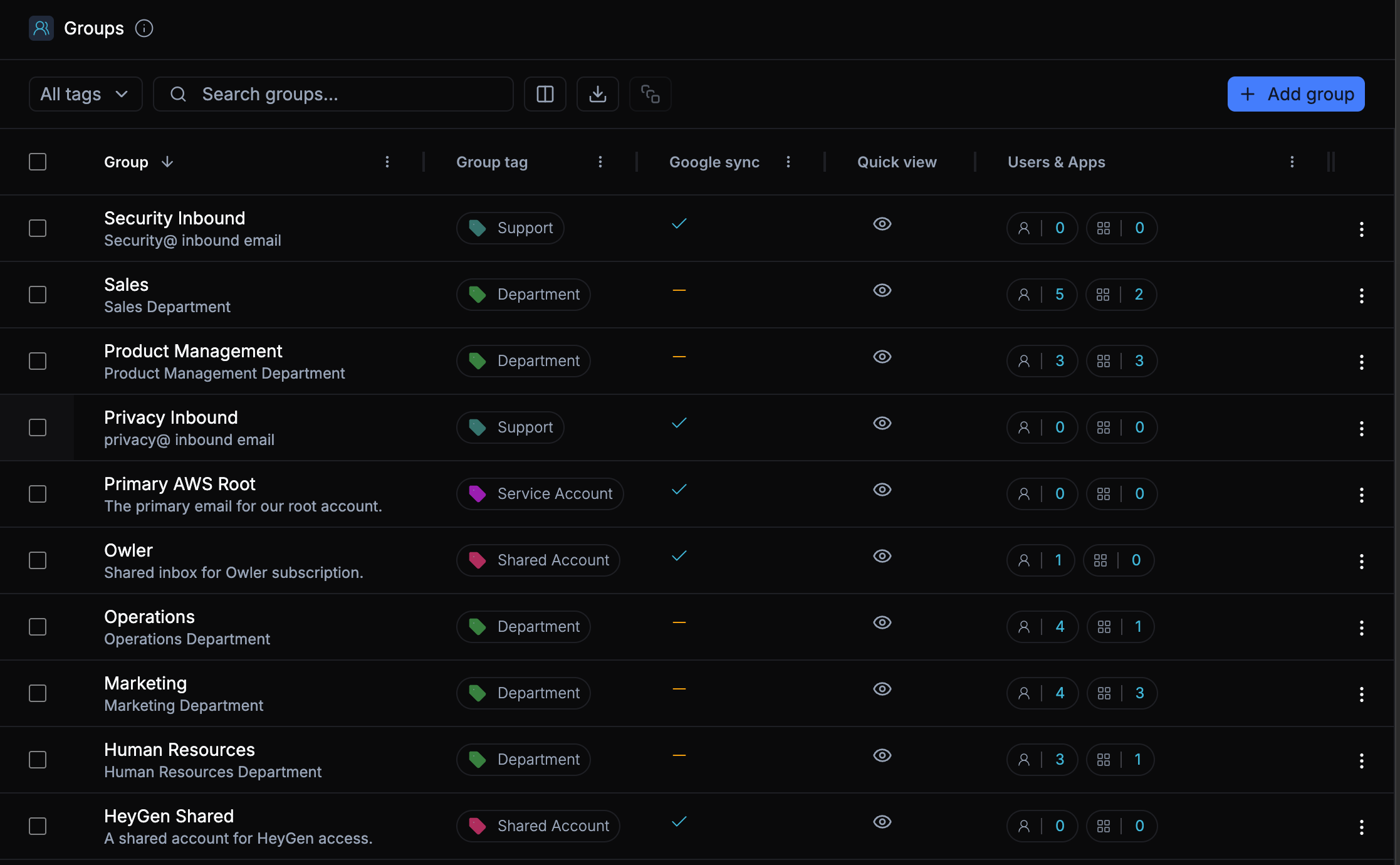
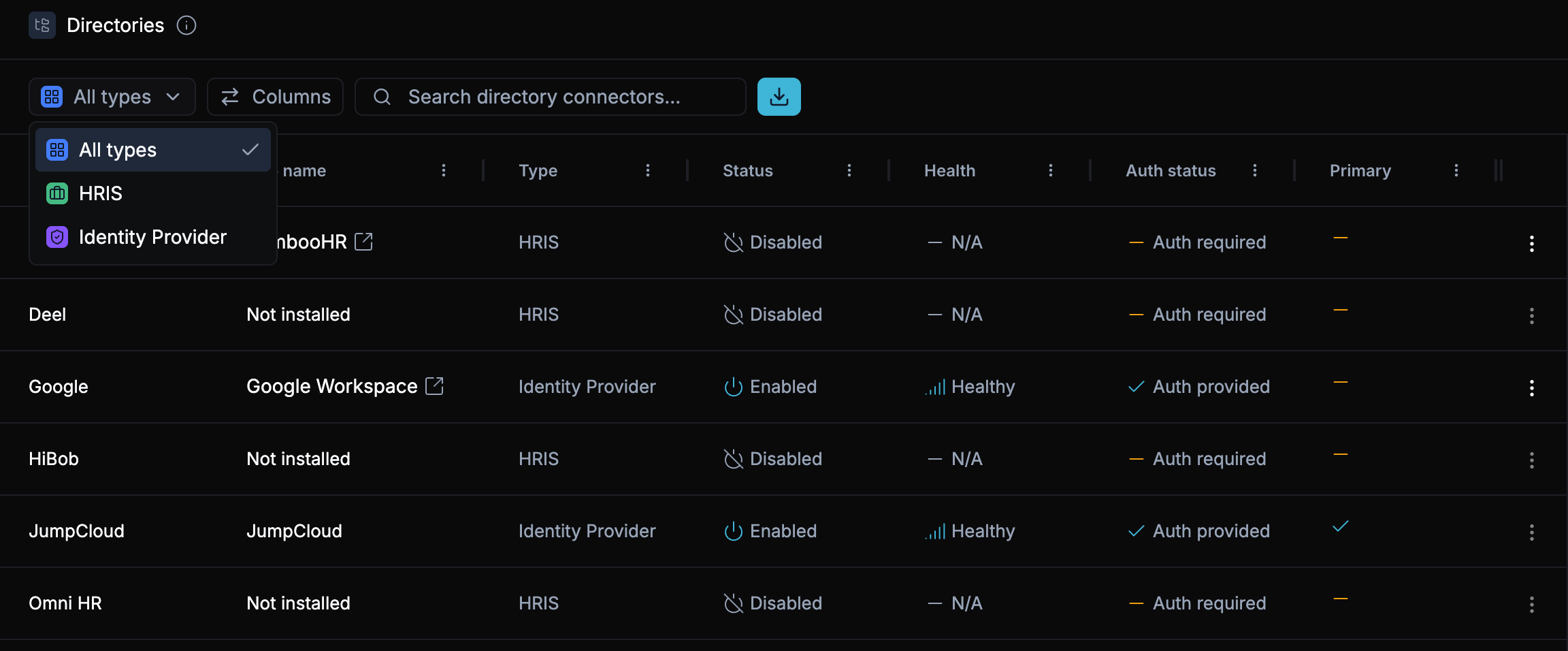
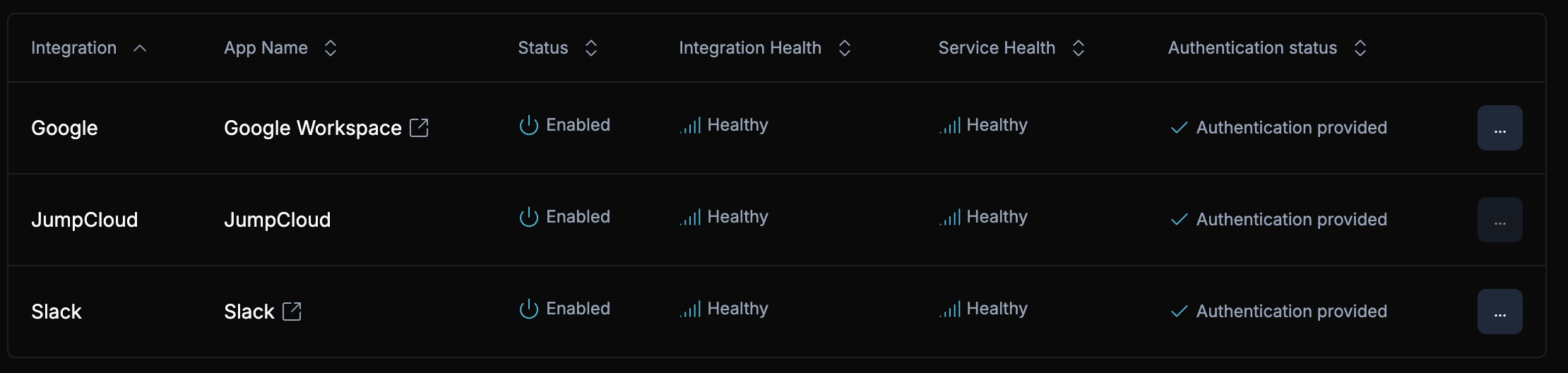
That changes today. We’ve officially brought the power of ShiftControl’s dynamic rules to every Google Group. Whether your identity is managed through JumpCloud or you are strictly a Google Workspace shop, you can finally automate your memberships end-to-end. No workarounds, no manual list-keeping, and no more “babysitting” your groups.
How It Works
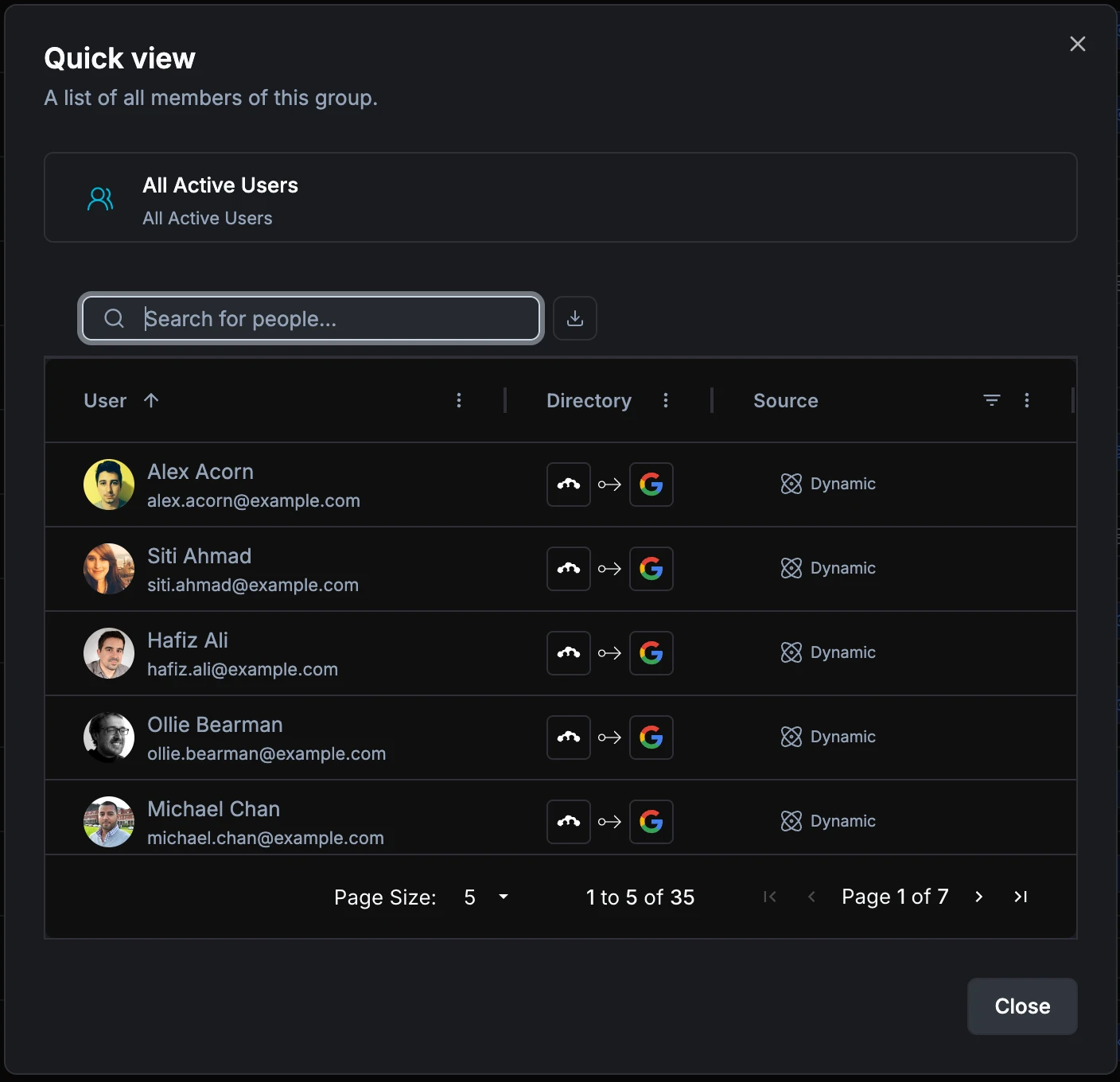
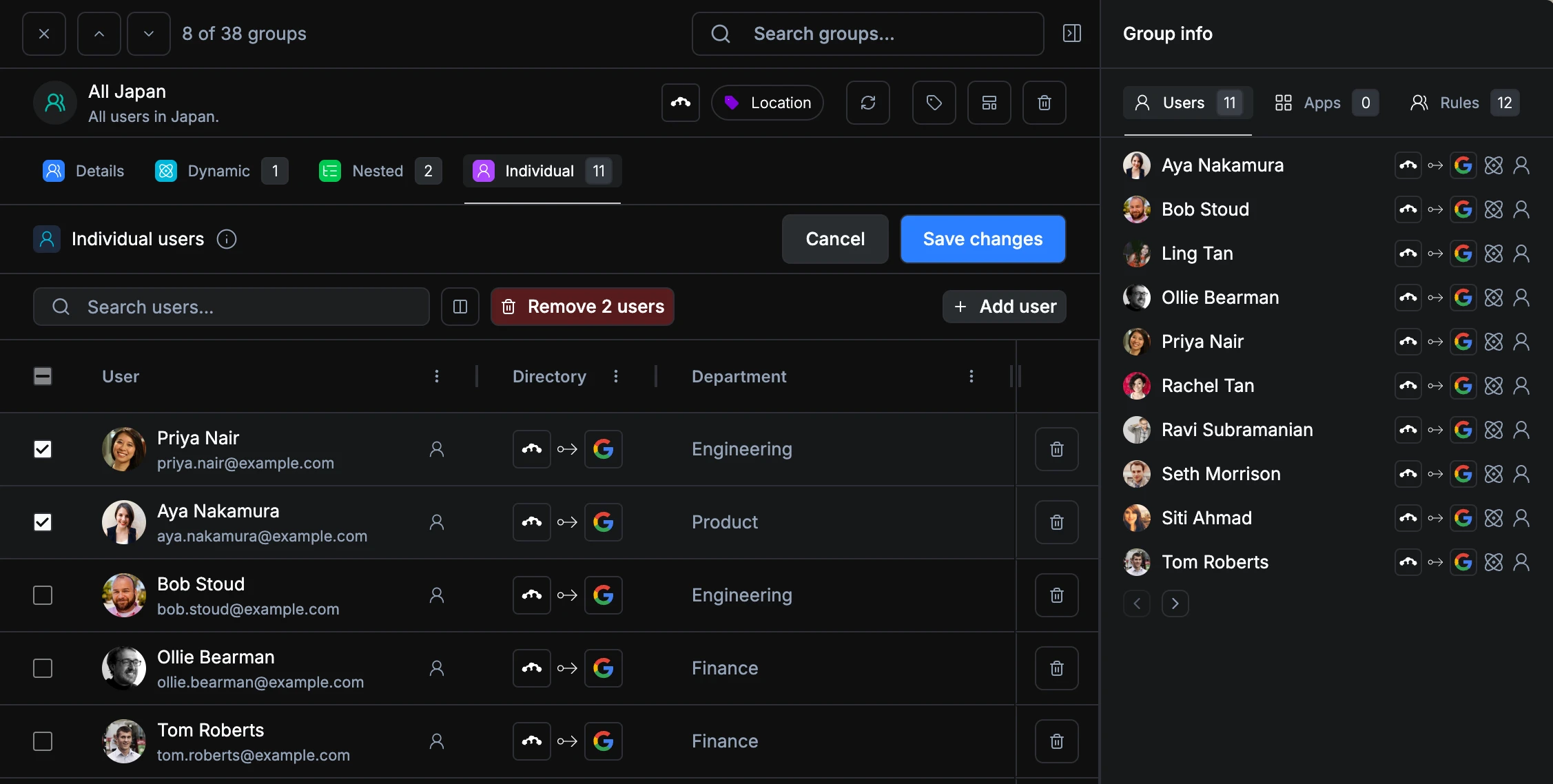
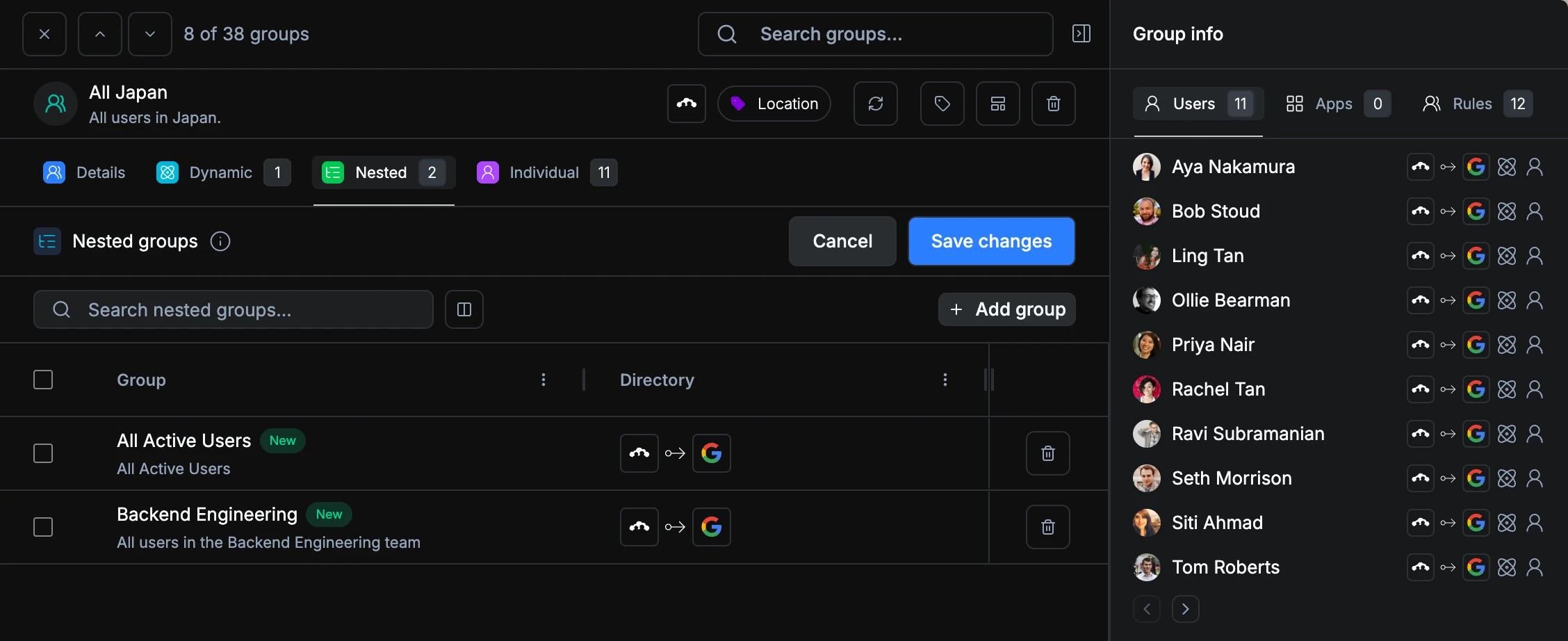
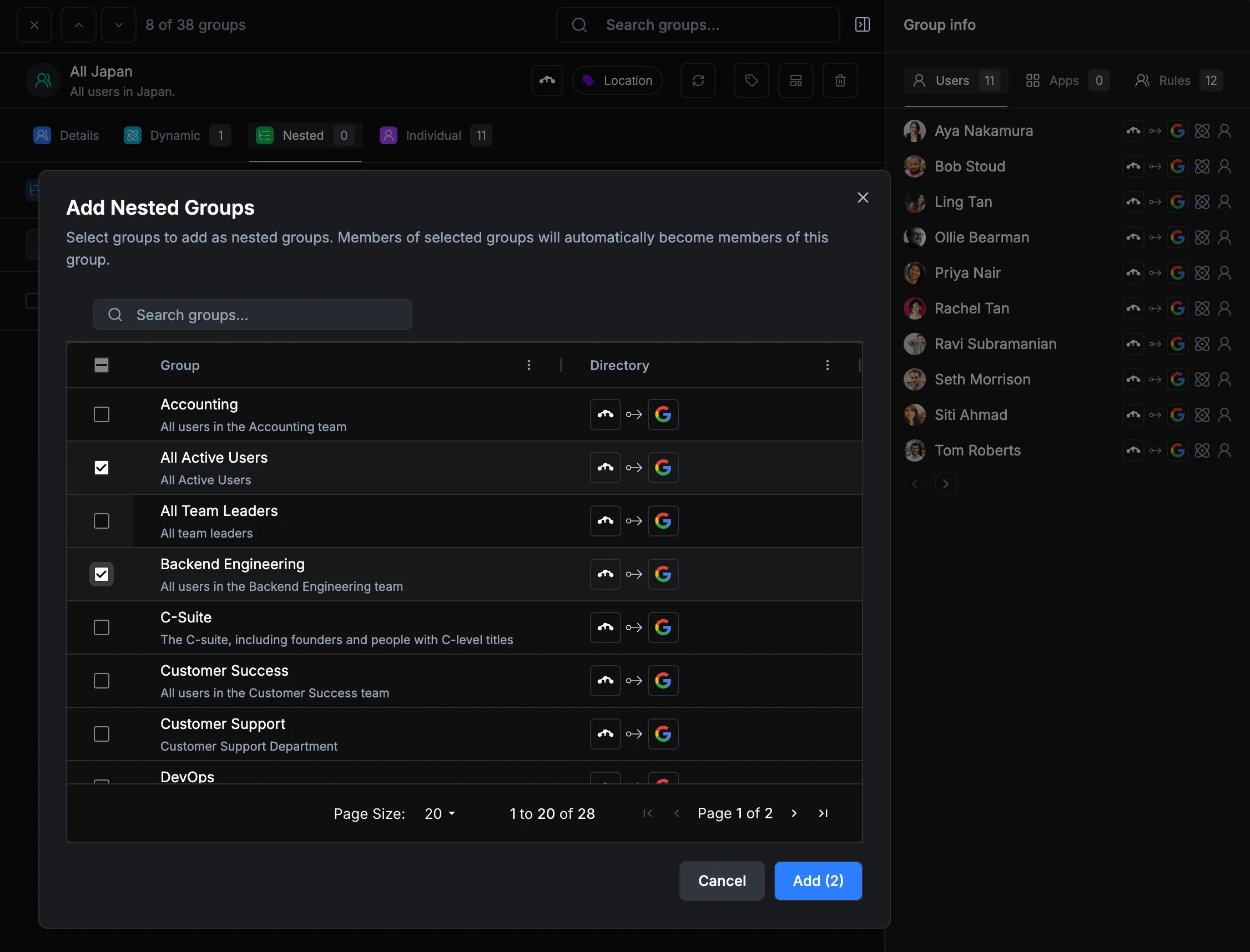
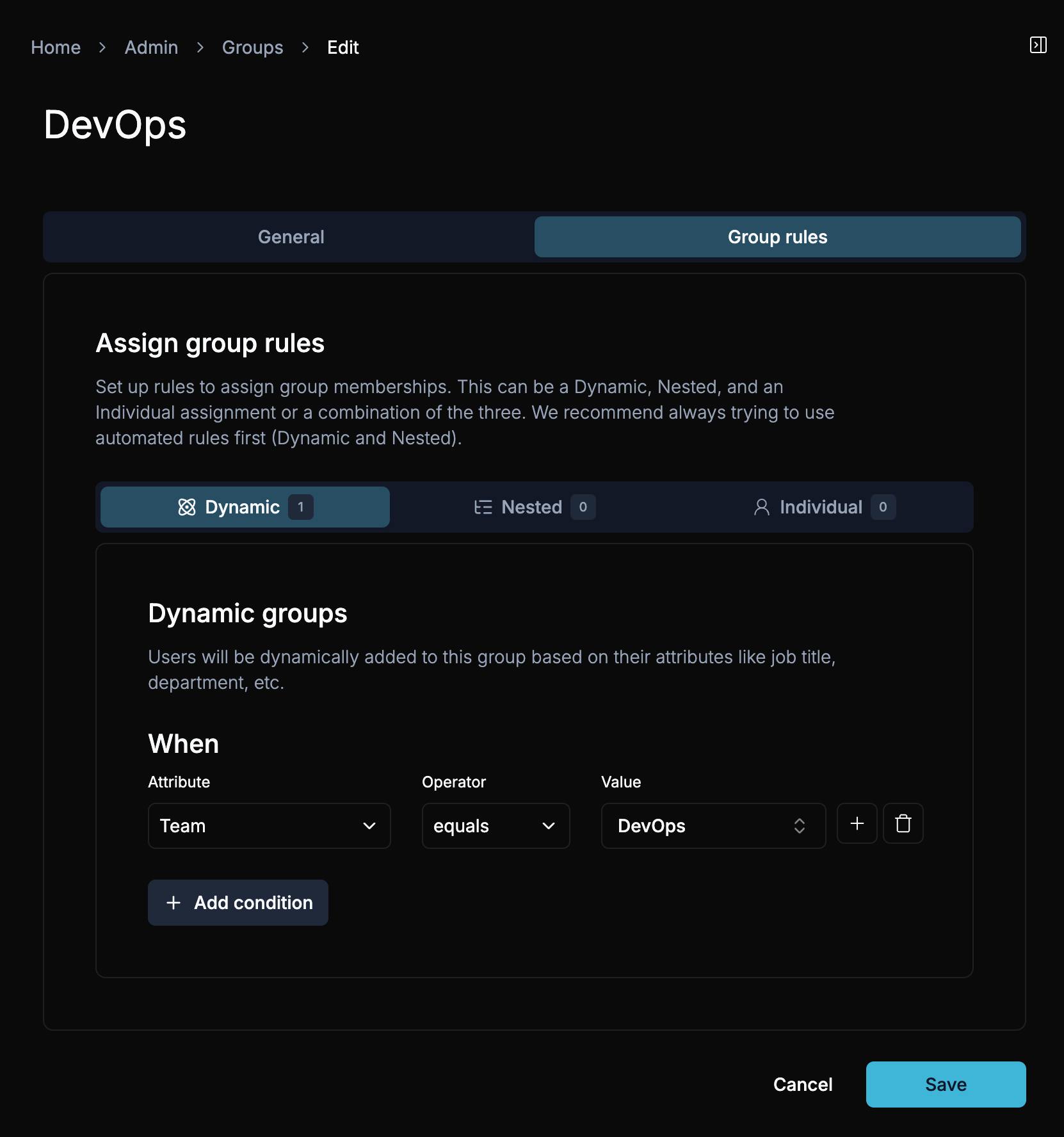
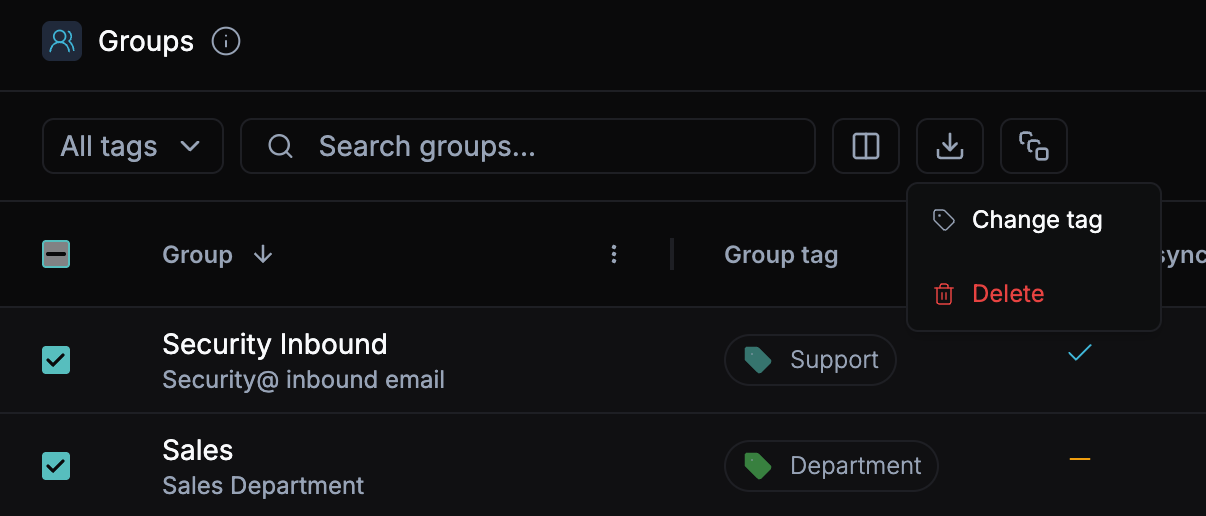
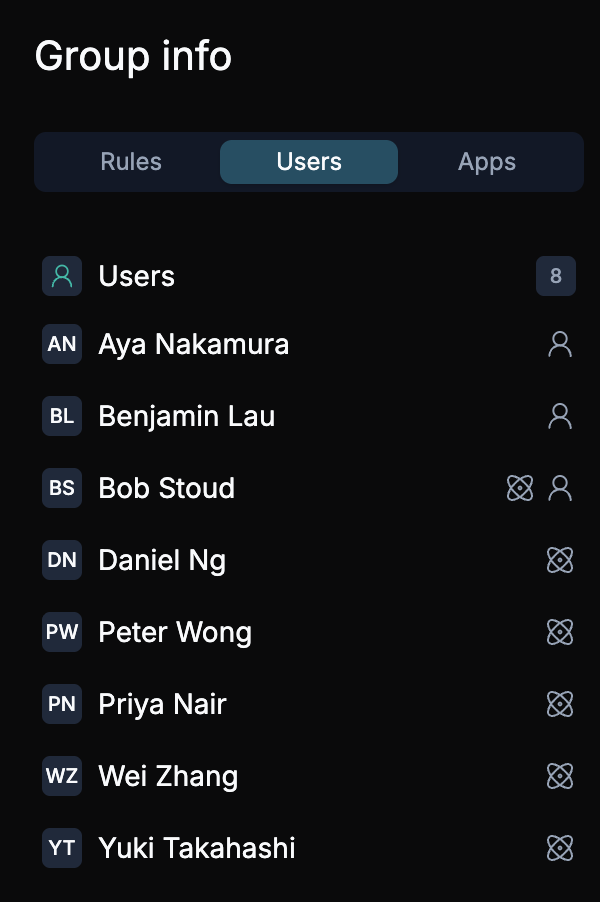
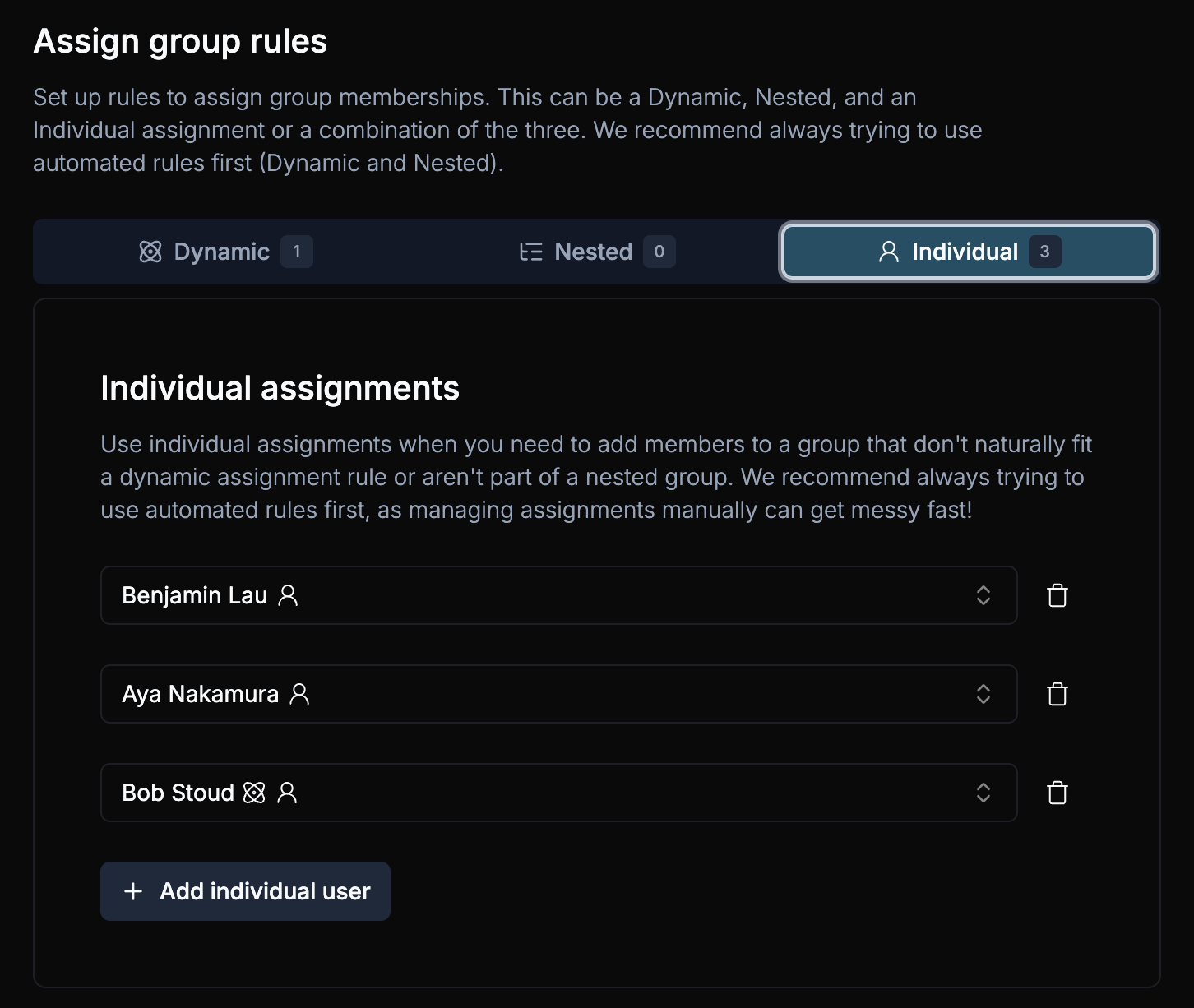
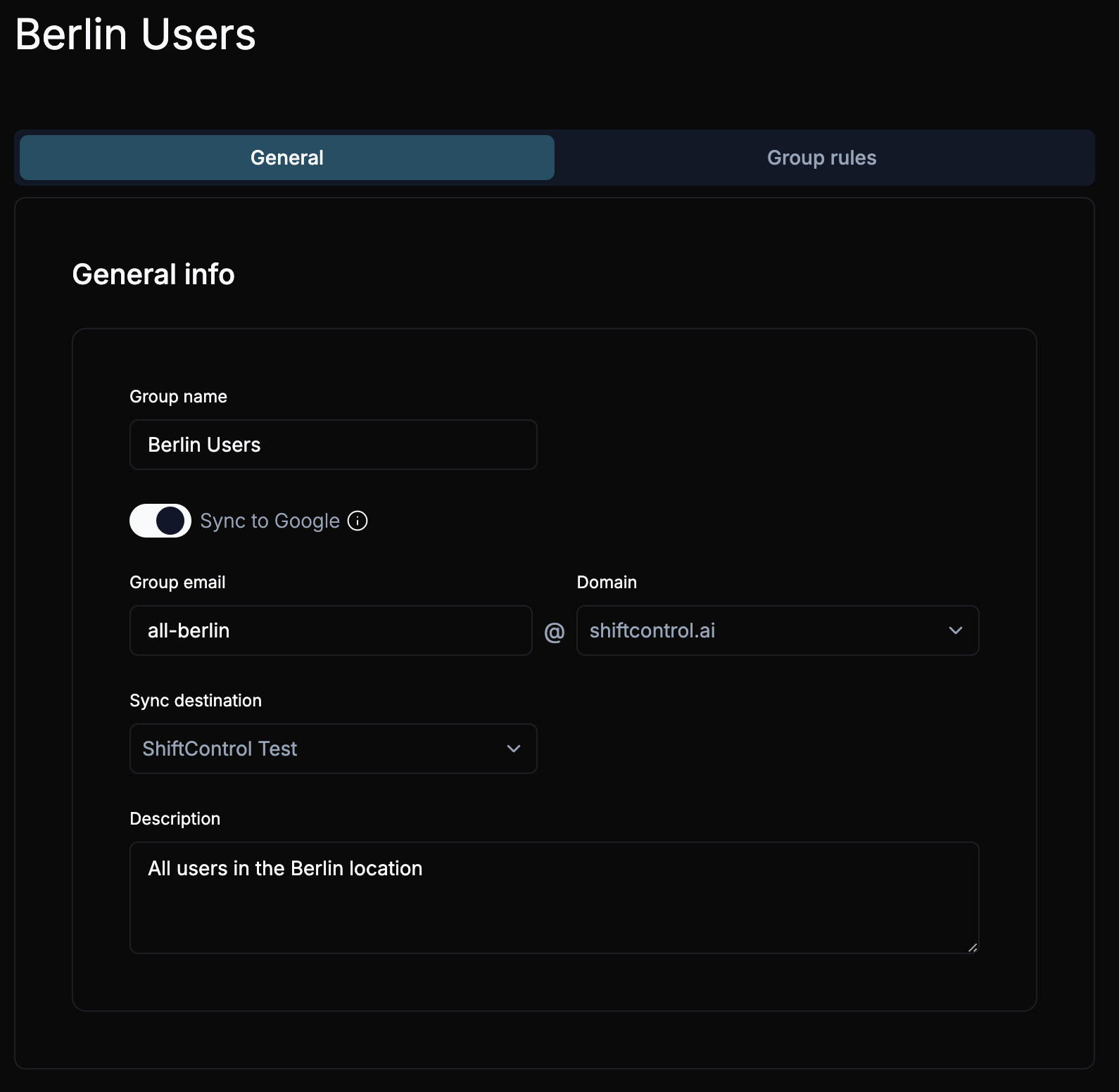
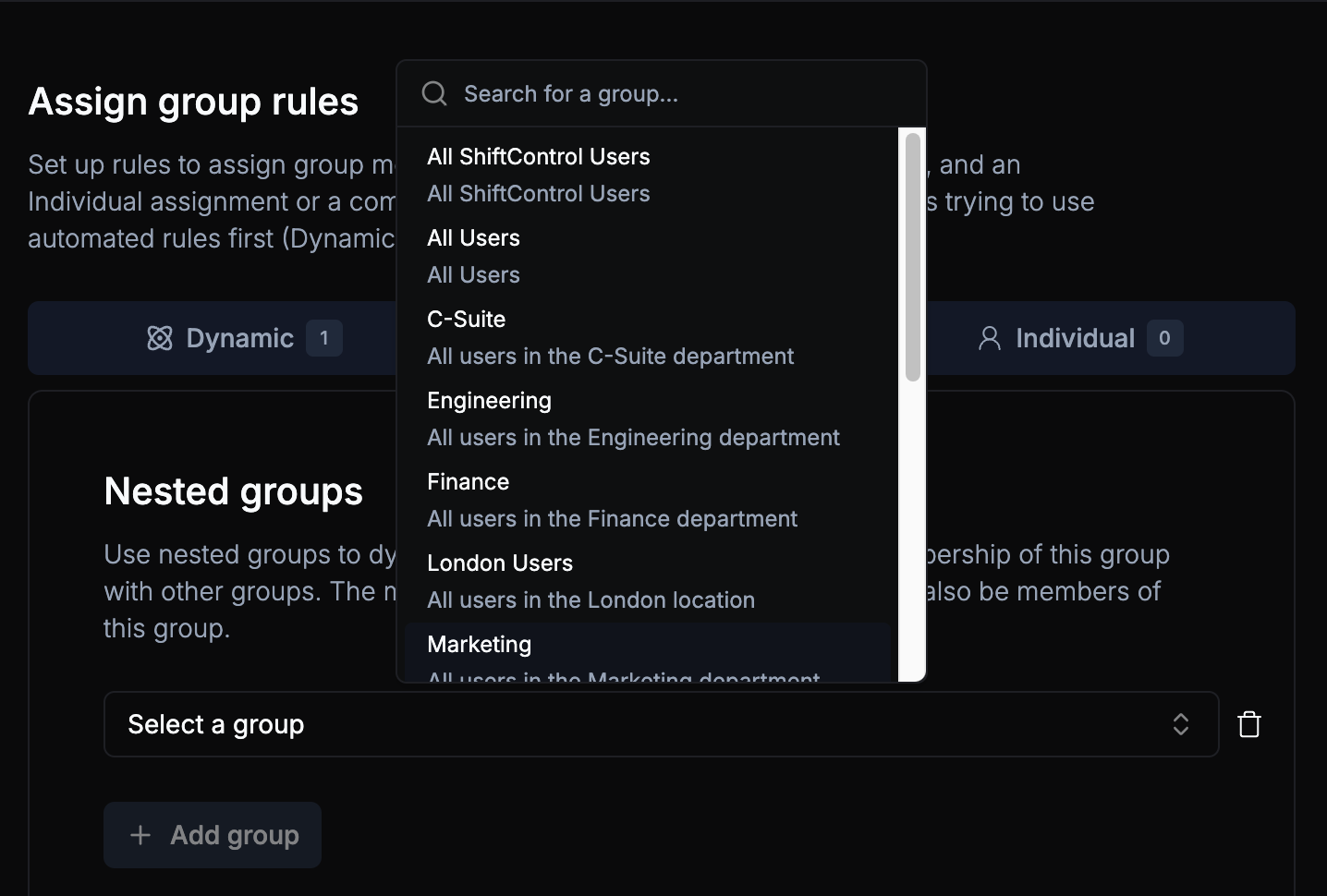
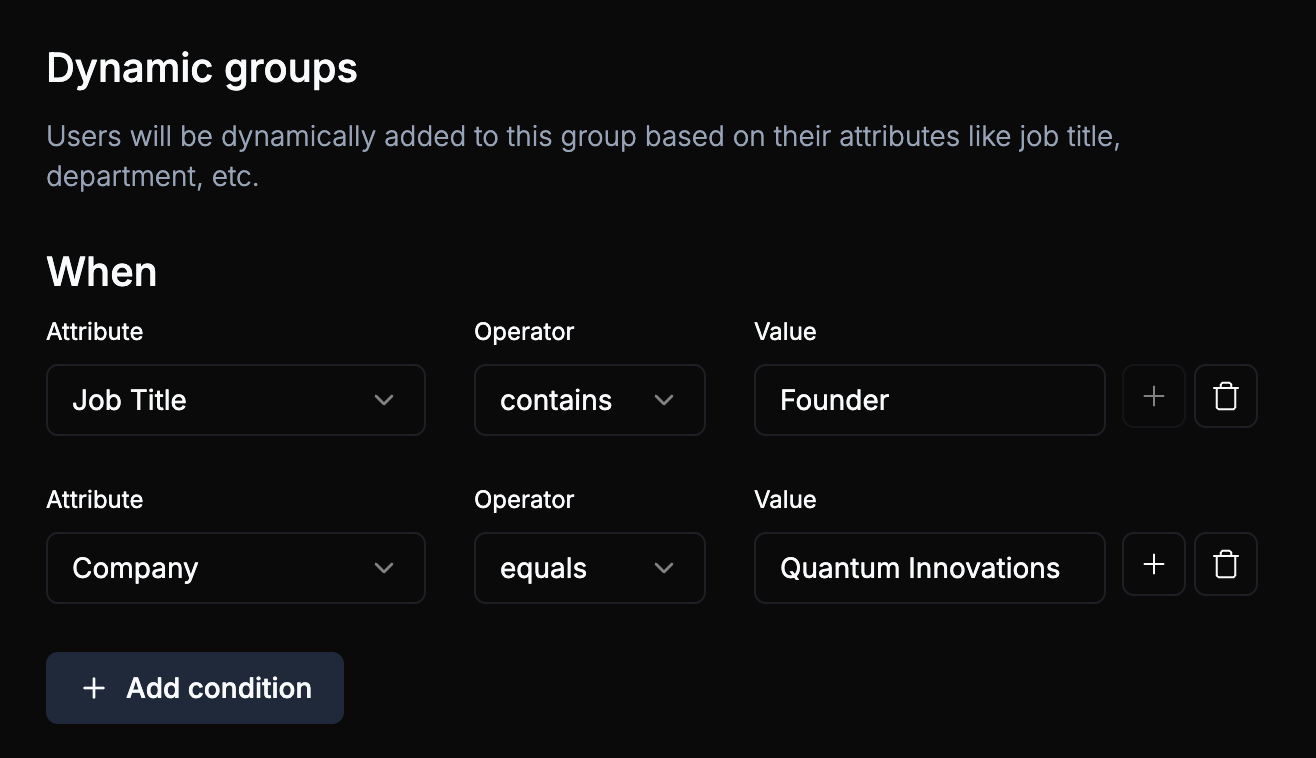
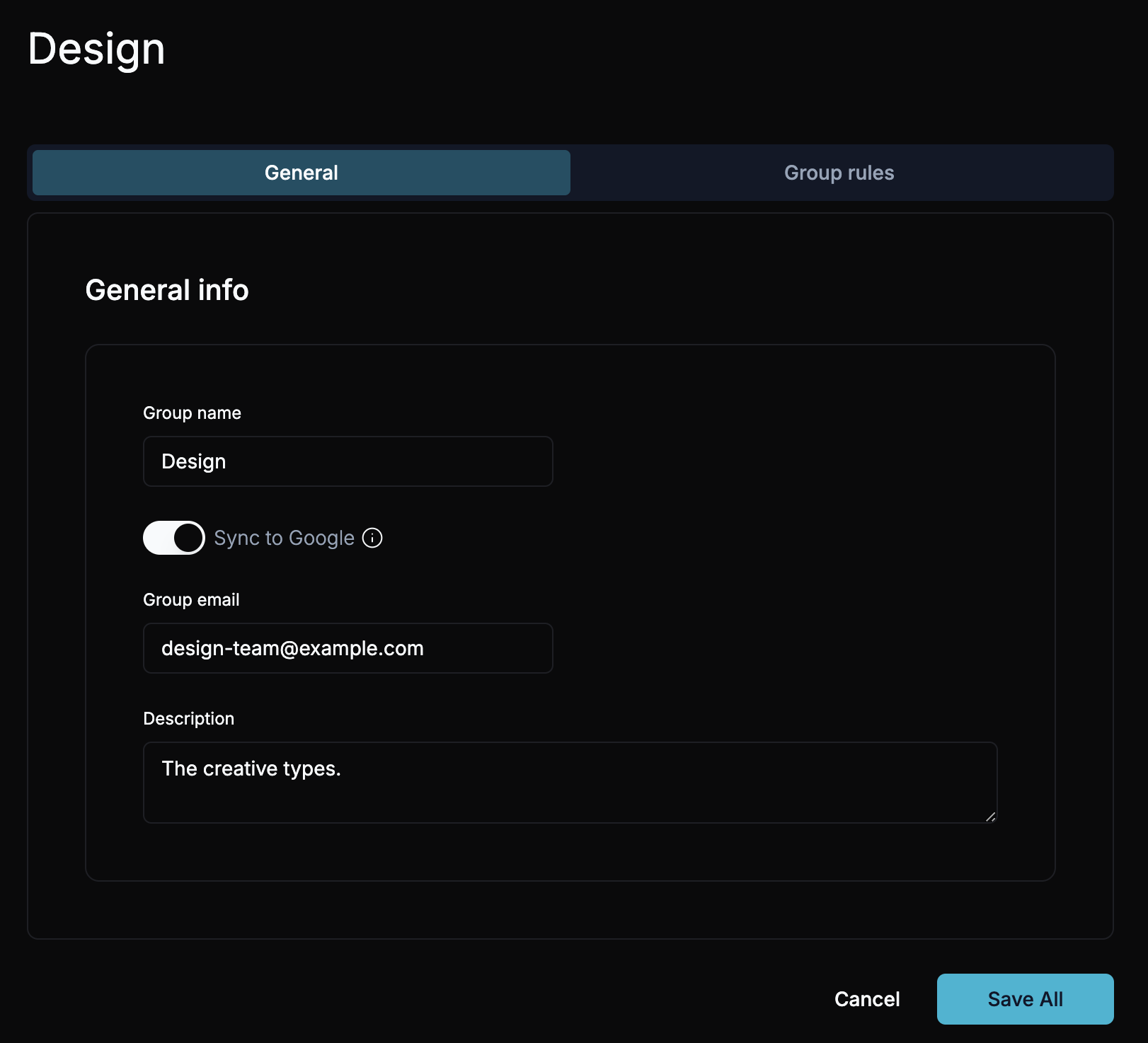
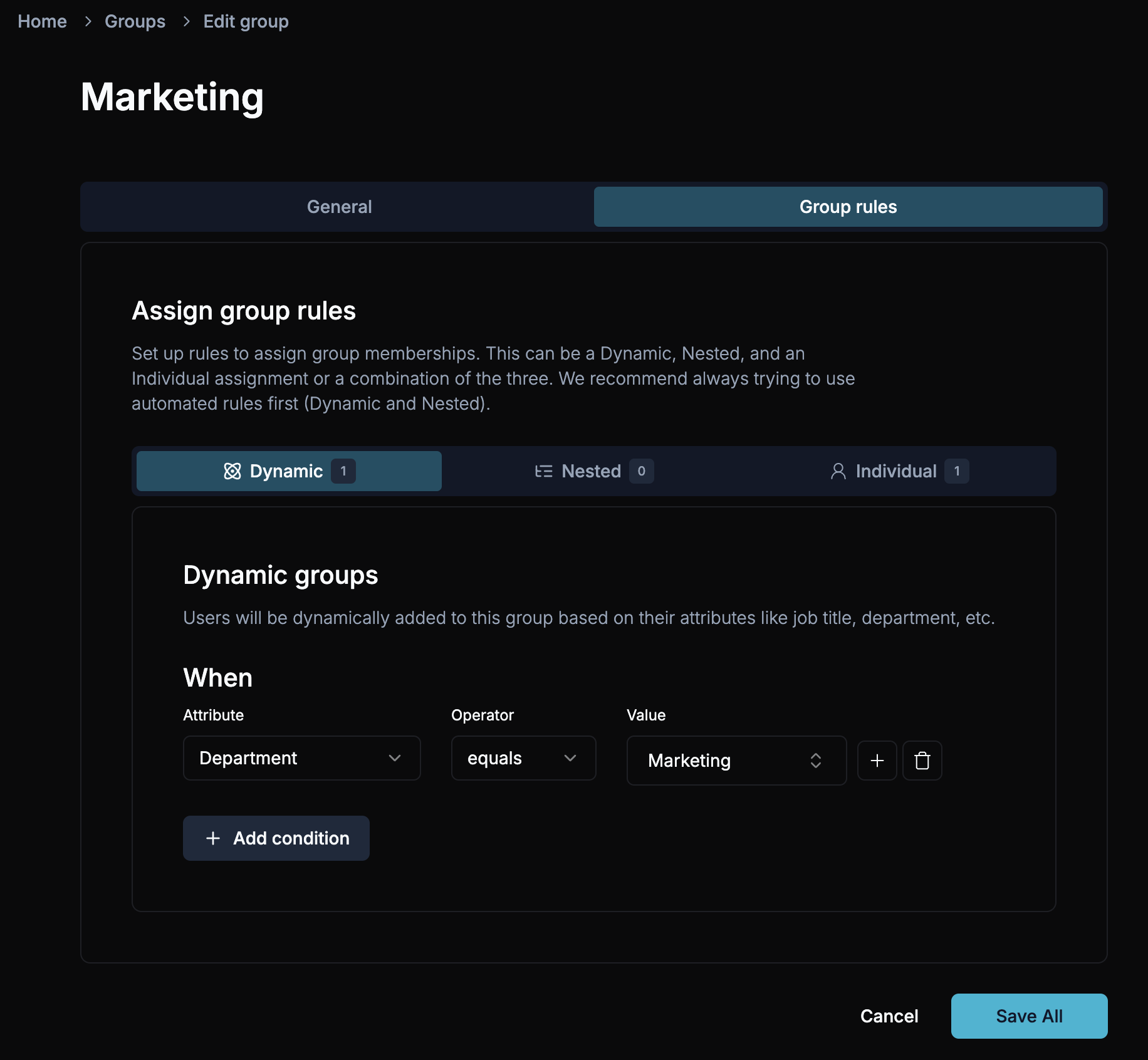
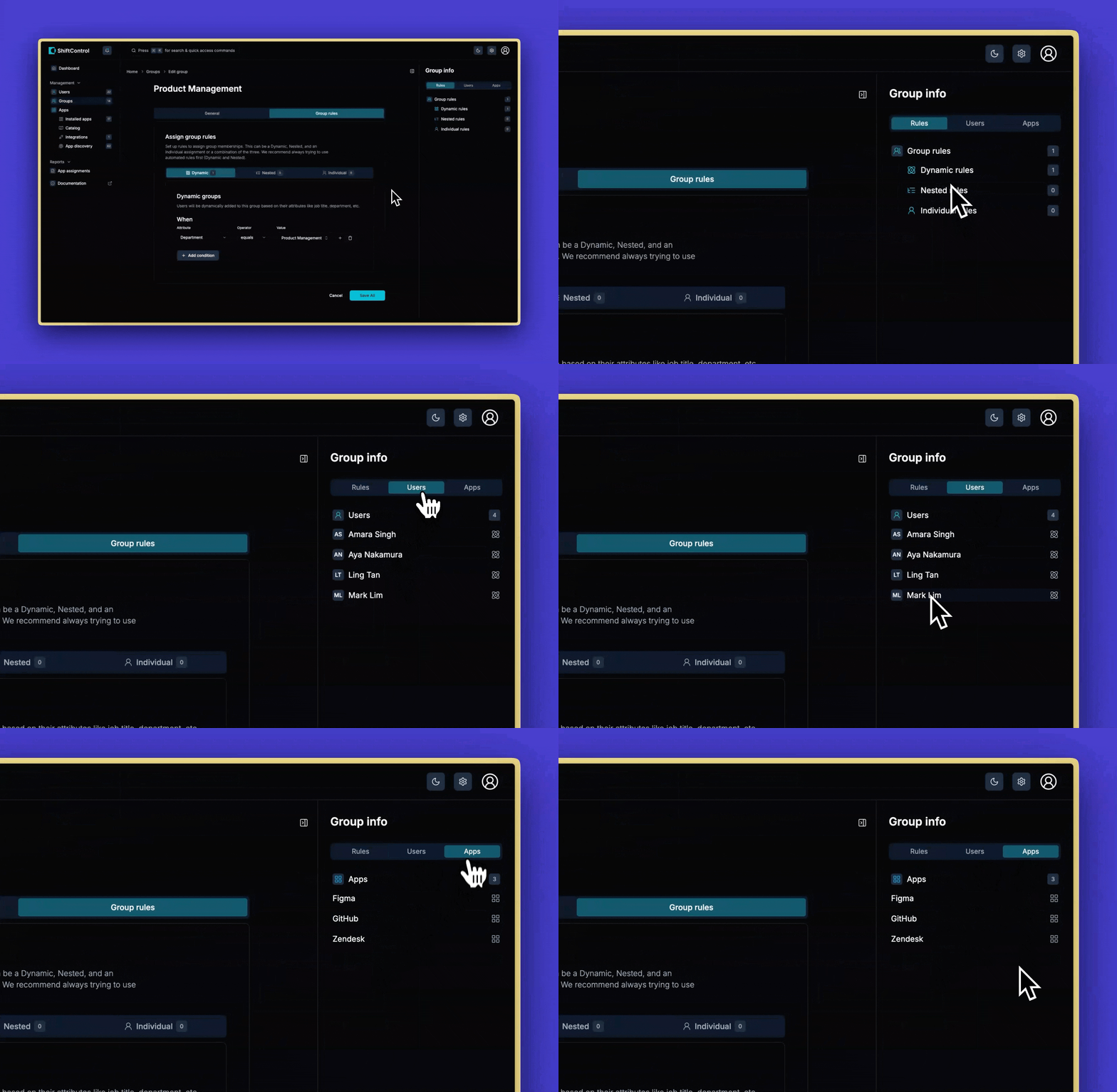
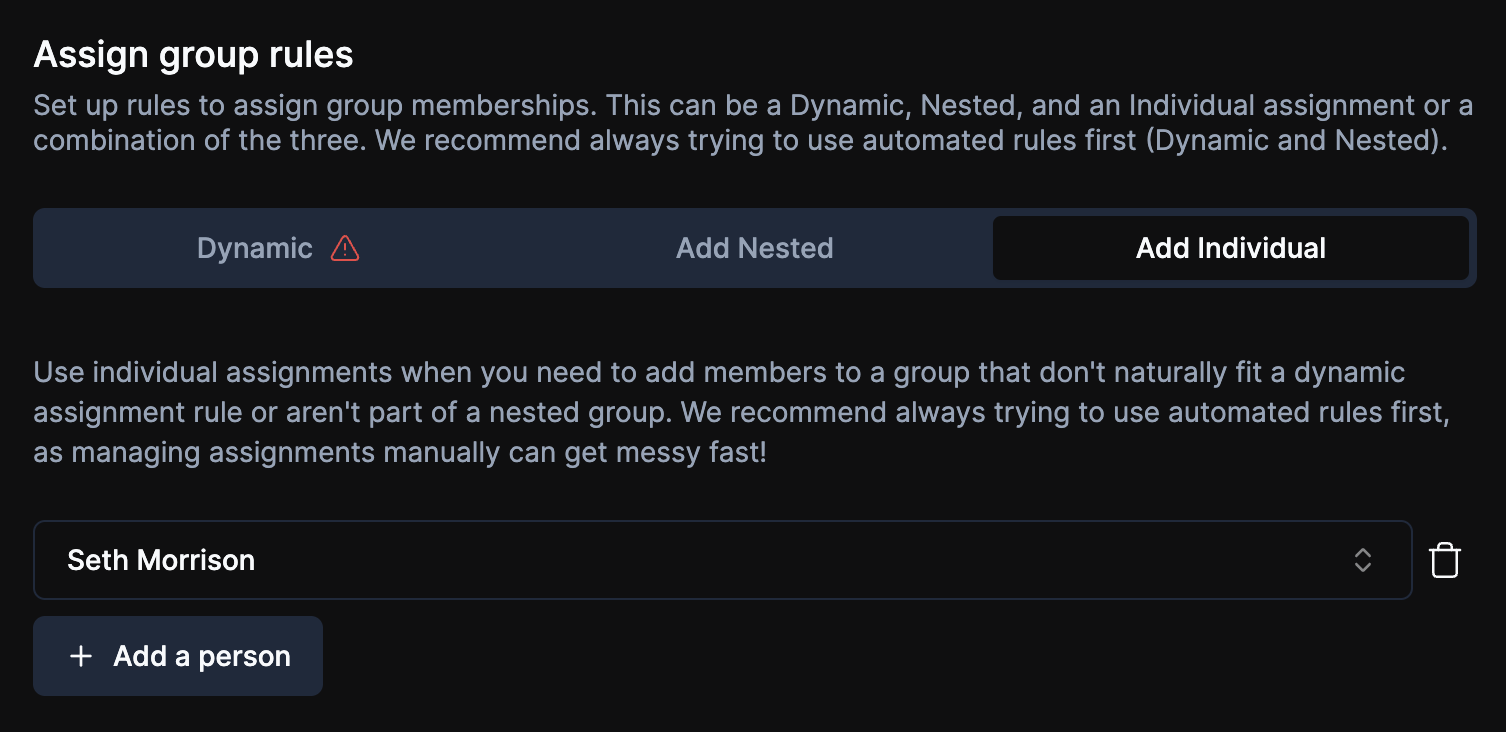
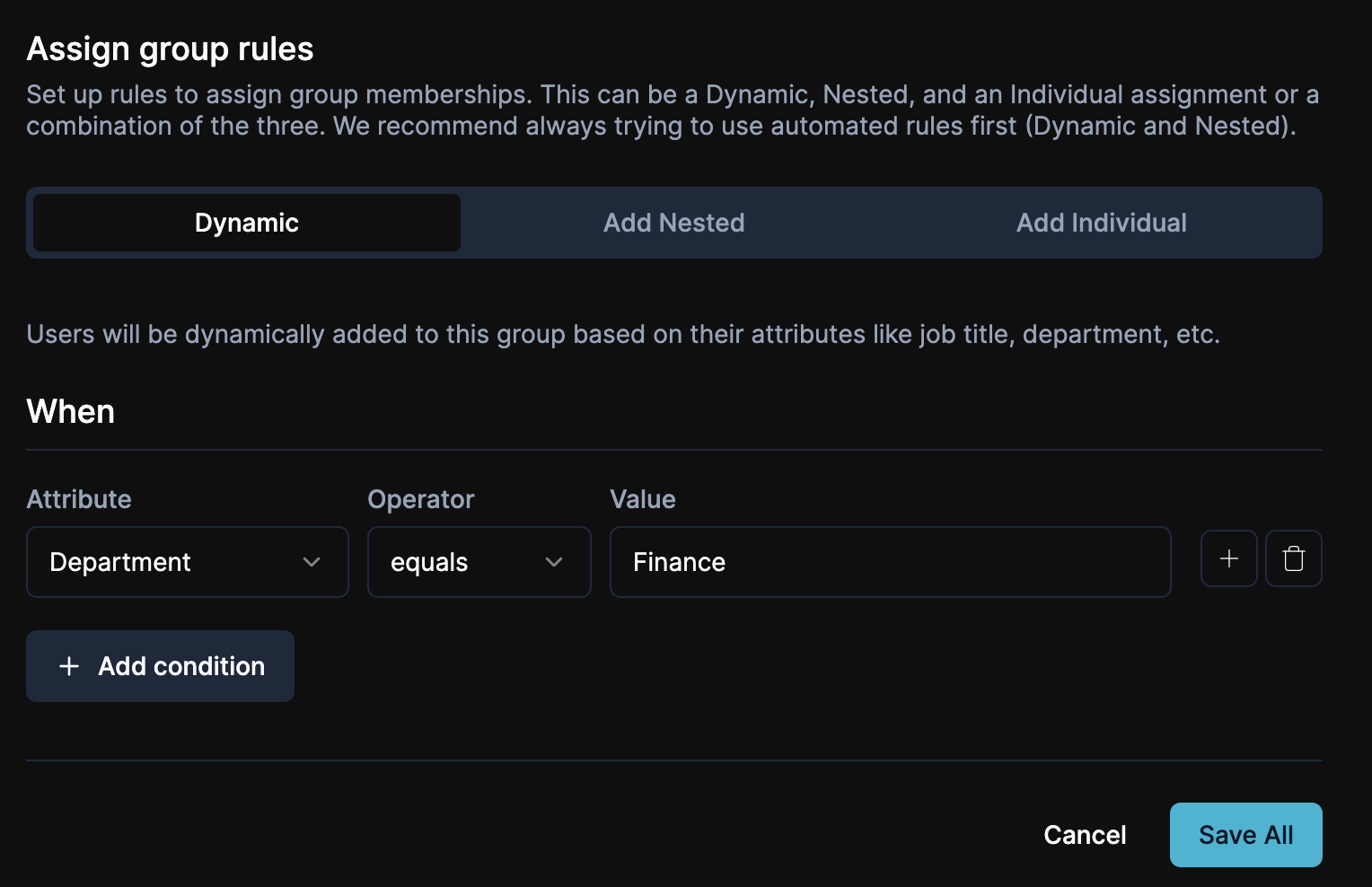
- The Dynamic Rules tab is now visible whenever you create or edit a Google group, right alongside your manual membership controls.
- Rules evaluate every time we sync with Google Workspace, so people land in the right groups based on who they are, not who remembered to add them.
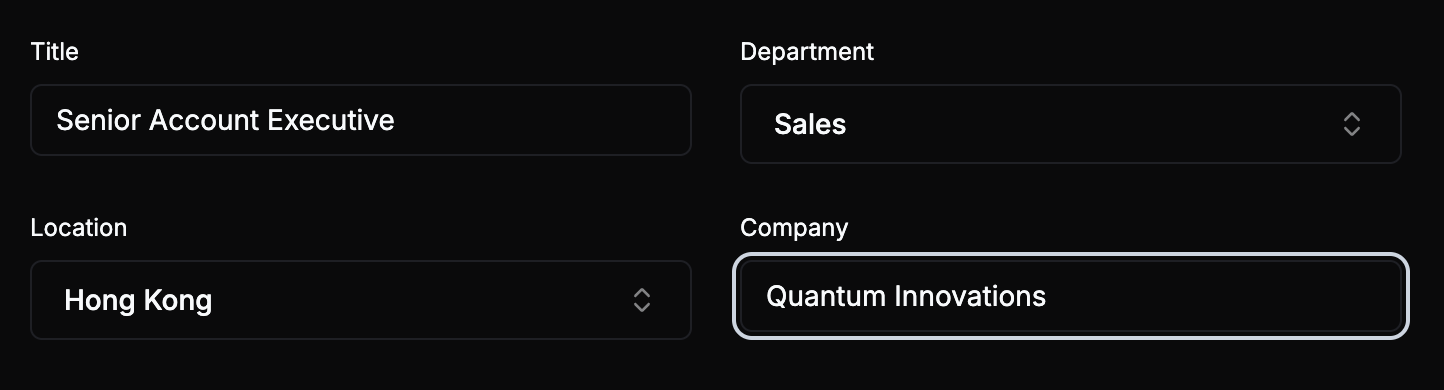
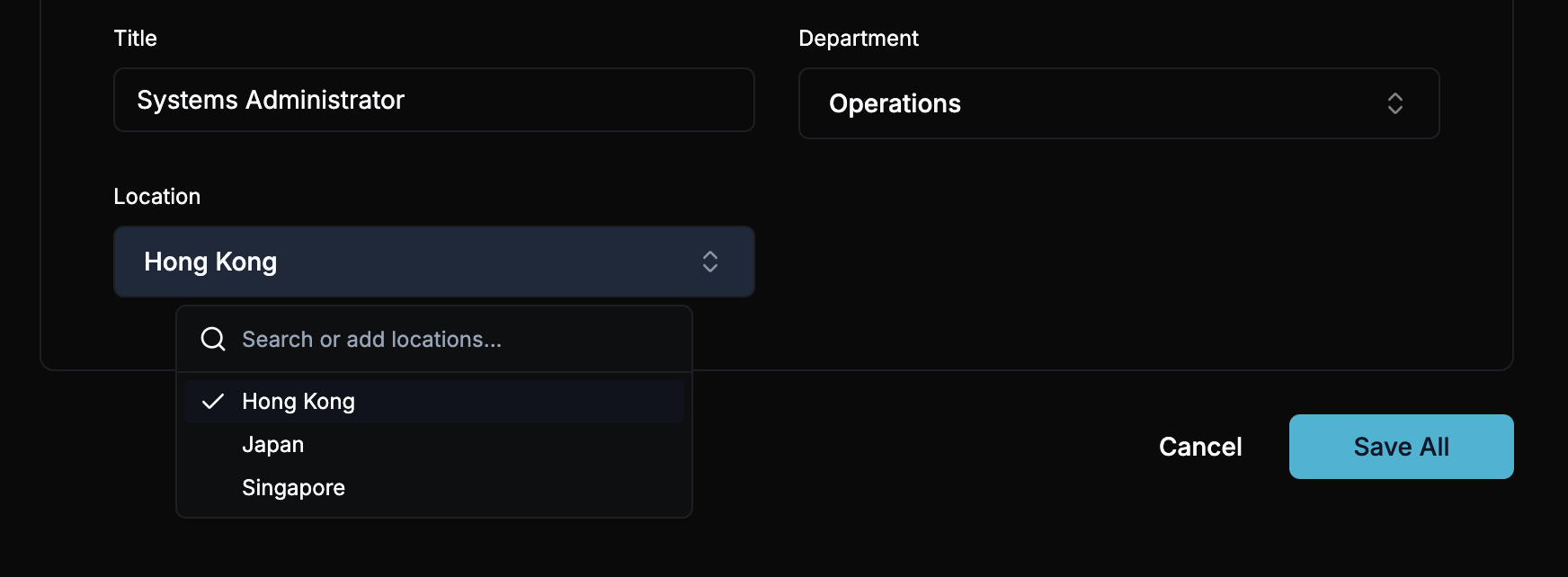
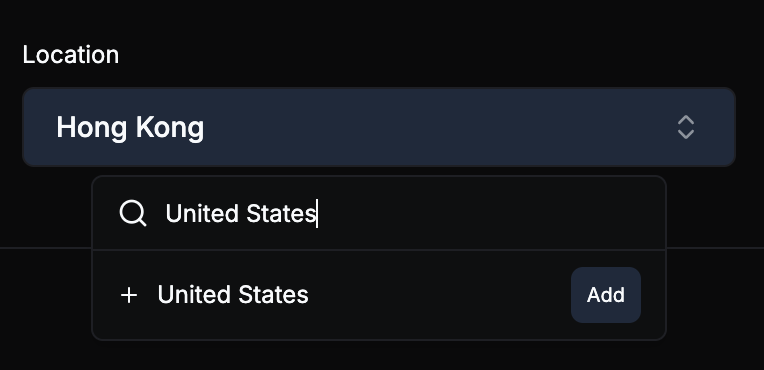
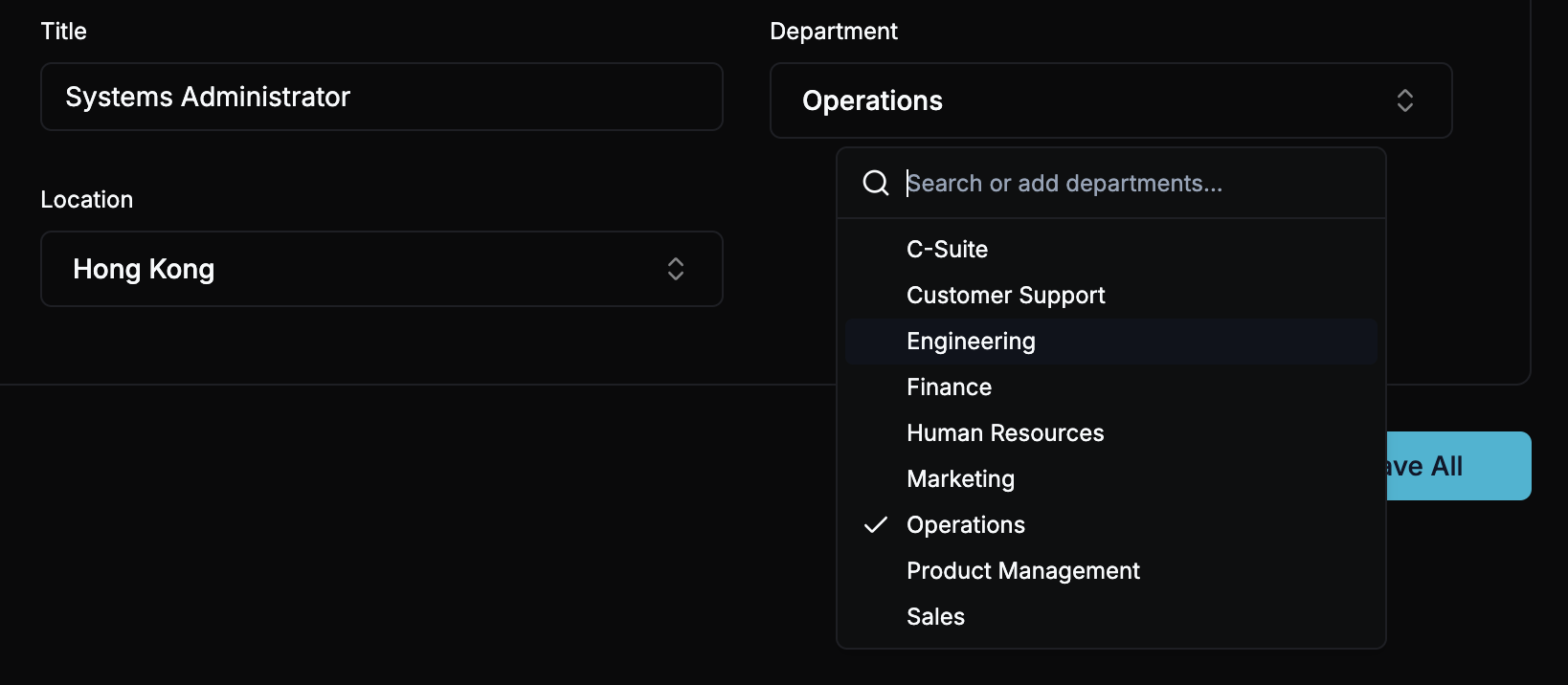
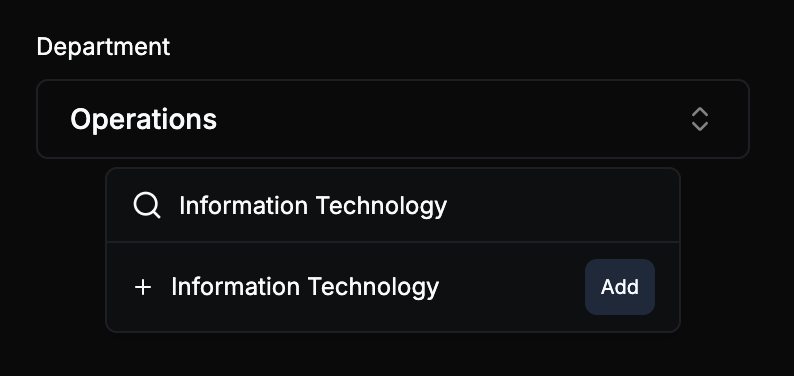
- Department-based and location-based rules in Settings now display correctly and trigger the same automatic add and remove behavior you’d expect from a JumpCloud-connected setup.
- When someone changes departments, transfers offices, or leaves the company, their group memberships update on the next sync without anyone touching a thing.
Getting Started
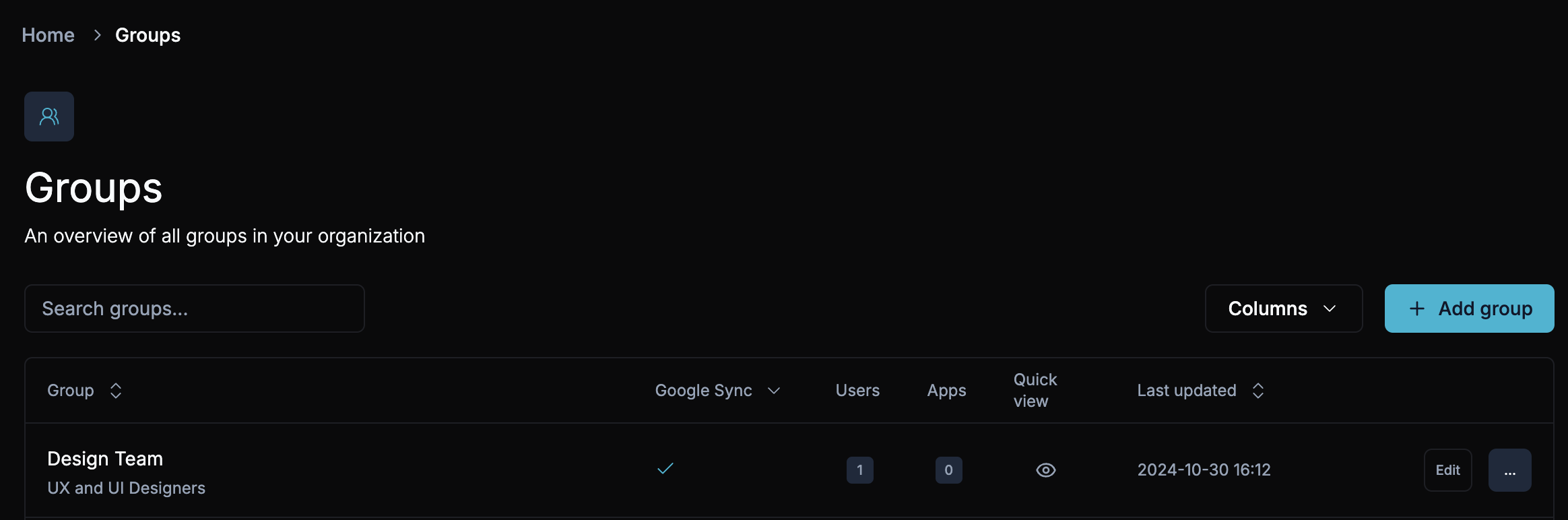
- Open any Google group in ShiftControl, or create a new one.
- Click the Dynamic Rules tab and add a rule based on department, location, or any supported attribute.
- Save, then watch the next sync place the right people into the group automatically.
Give it a spin on a group you’ve been babysitting manually, and let us know how much time it earns back. Next up: we’re expanding dynamic rules with richer attribute matching and preview-before-sync, so you can see exactly who’s about to land in (or leave) a group before it happens.